

Apraksts
ProfitGuard adds profitability visibility to WooCommerce by combining product cost, payment fees, shipping assumptions, and ad spend assumptions into one clear view.
Key Features
- Product-level Profit column in WooCommerce product list.
- Break-even ROAS column for quick ad efficiency decisions.
- Profit dashboard with summary stats and product breakdown.
- Bulk cost editor with inline editing and markup tools for selected rows.
- Settings to define default fee and cost assumptions.
Ekrānuzņēmumi
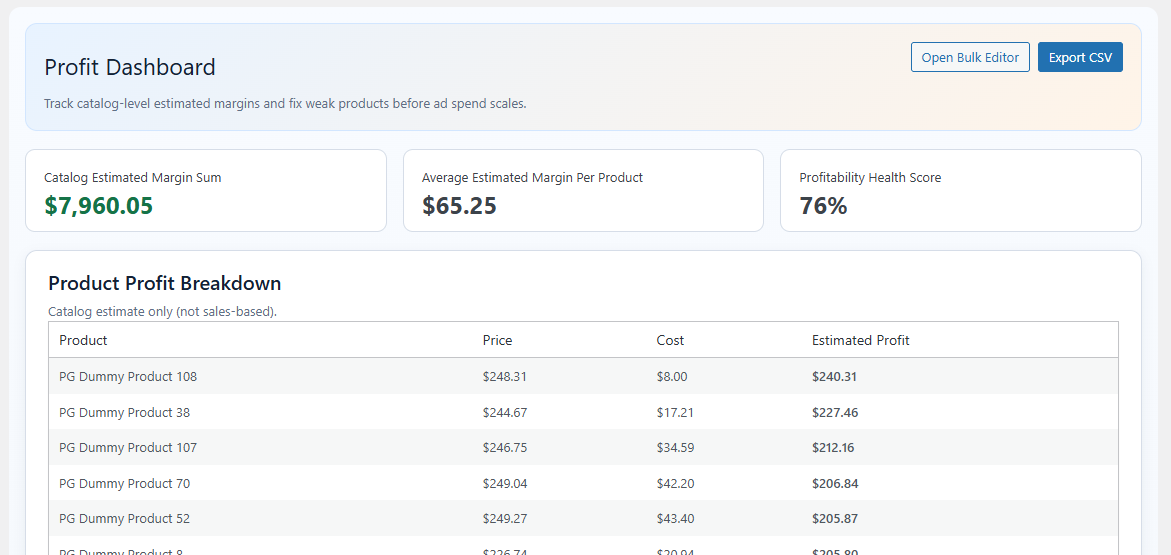
Profit dashboard with summary cards and product table. 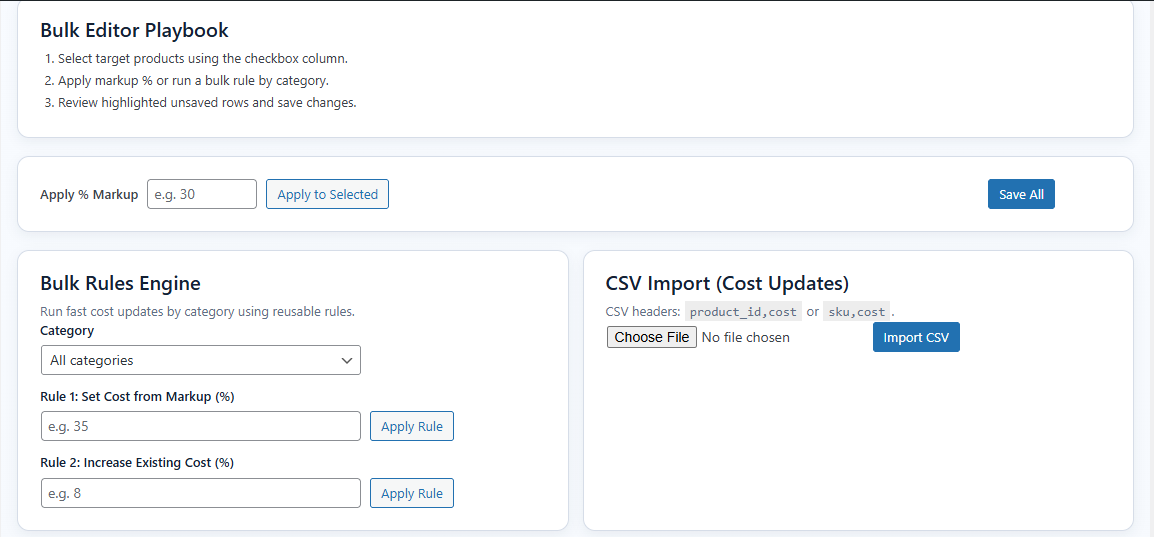
Bulk editor with inline cost updates and markup tools. 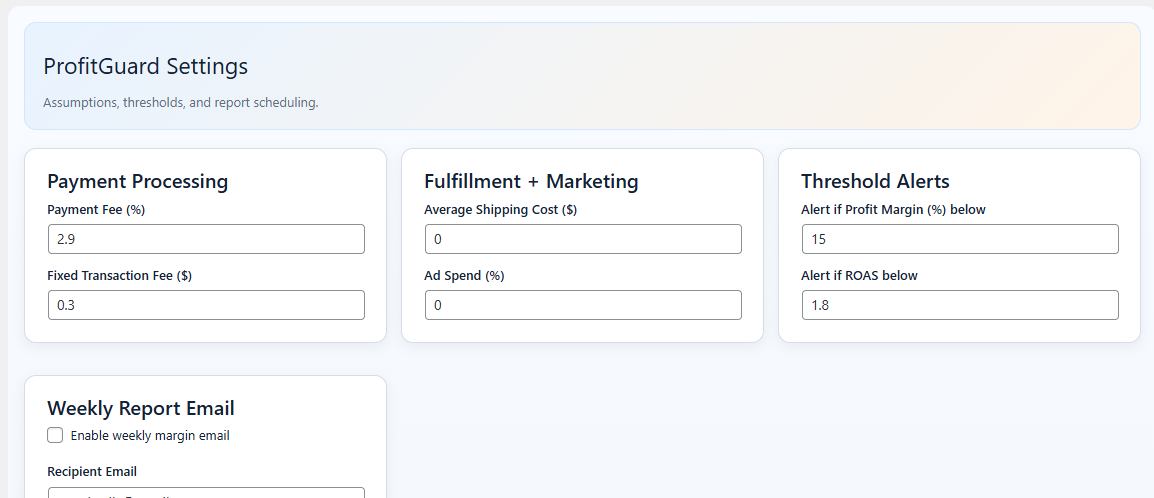
Settings page for fees, shipping, and ad assumptions. 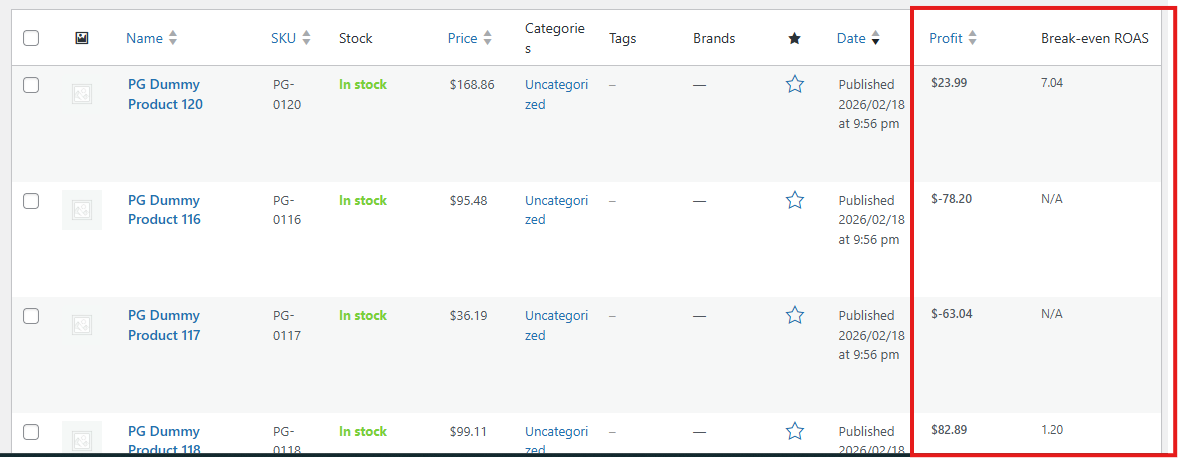
Products list with Profit and Break-even ROAS columns.
Uzstādīšana
- Upload the plugin folder to the
/wp-content/plugins/directory, or install through the WordPress Plugins screen. - Activate the plugin through the
Pluginsscreen in WordPress. - Ensure WooCommerce is active.
- Open
ProfitGuardin wp-admin to configure settings and costs.
BUJ
-
Does this plugin require WooCommerce?
-
Yes. ProfitGuard is built for WooCommerce products and requires WooCommerce to be active.
-
How are profits calculated?
-
Estimated profit uses:
Profit = Sale Price - (Product Cost + Payment Fee + Fixed Fee + Shipping Cost + Ad Cost) -
Can I use ProfitGuard for free?
-
Yes. All features included in this package are available without license gating.
Atsauksmes
Par šo spraudni nav atsauksmju.
Autori un izstrādātāji
“ProfitGuard” ir atvērtā pirmkoda programmatūra. Šo spraudni ir veidojuši šādi cilvēki.
Līdzdalībnieki

Tulkot “ProfitGuard” savā valodā.
Vai jūs interesē attīstība?
Pārlūkojiet kodu, apmeklējiet SVN krātuvi vai abonējiet attīstības žurnālu, ko izveidojis RSS.
Izmaiņu žurnāls
1.0.3
- Bug fixes.
1.0.2
- Bug fixes.
1.0.0
- Initial public release.
- Added product list Profit and Break-even ROAS columns.
- Added ProfitGuard dashboard and settings.
- Added bulk cost editor workflow.