
Apraksts
Login IP & Country Restriction hooks into the WordPress authentication system to give you complete control over who can even attempt to access your login page. By default, all access is allowed until you configure specific rules to whitelist or blacklist logins by explicit IP addresses or entire countries.
This plugin is highly effective at stopping massive botnet brute-force attempts before they strain your server resources.
🔒 Core Features (100% Free)
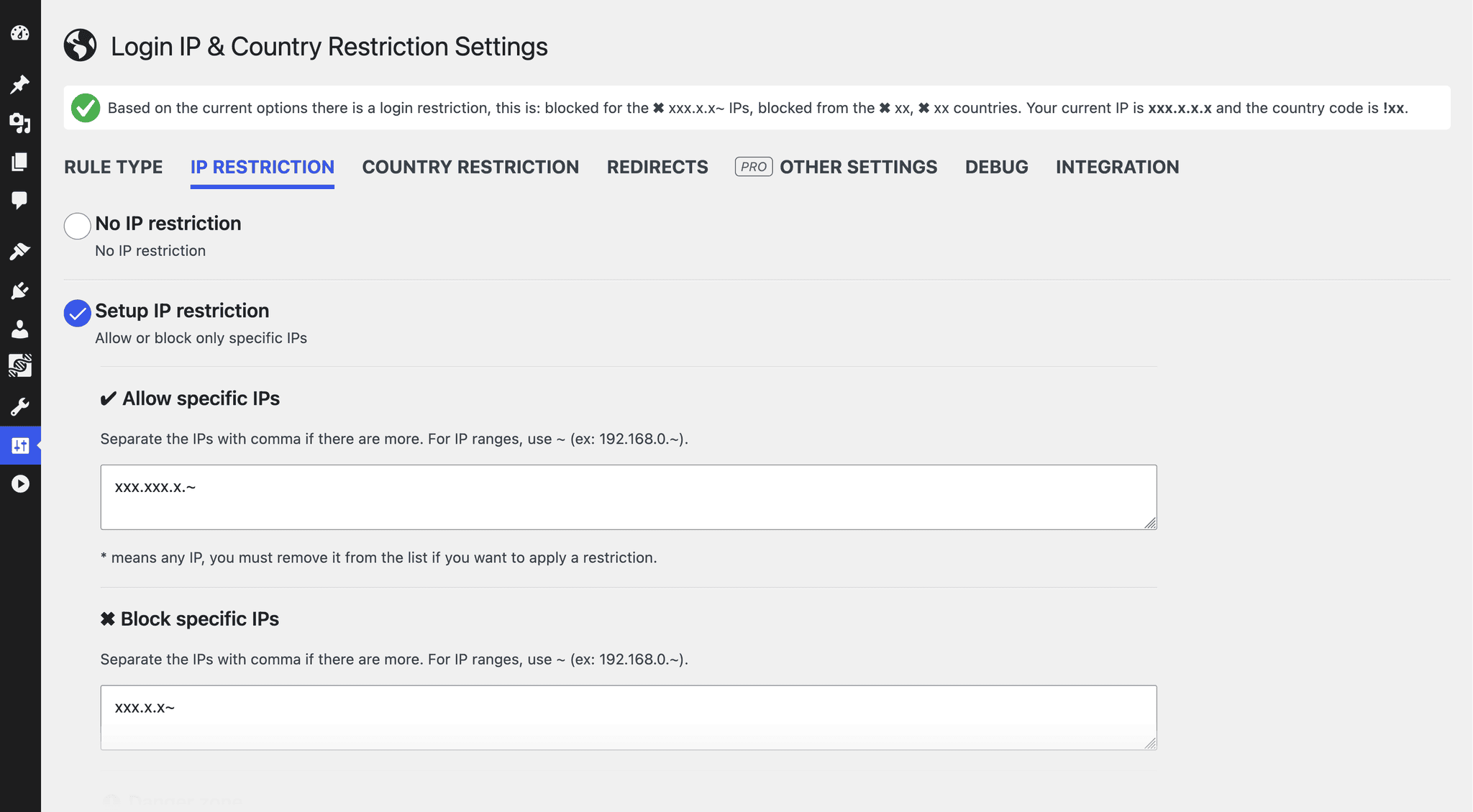
- IP Restriction: Allow or block specific IP addresses (supports local loops like 127.0.0.1 and IPv6).
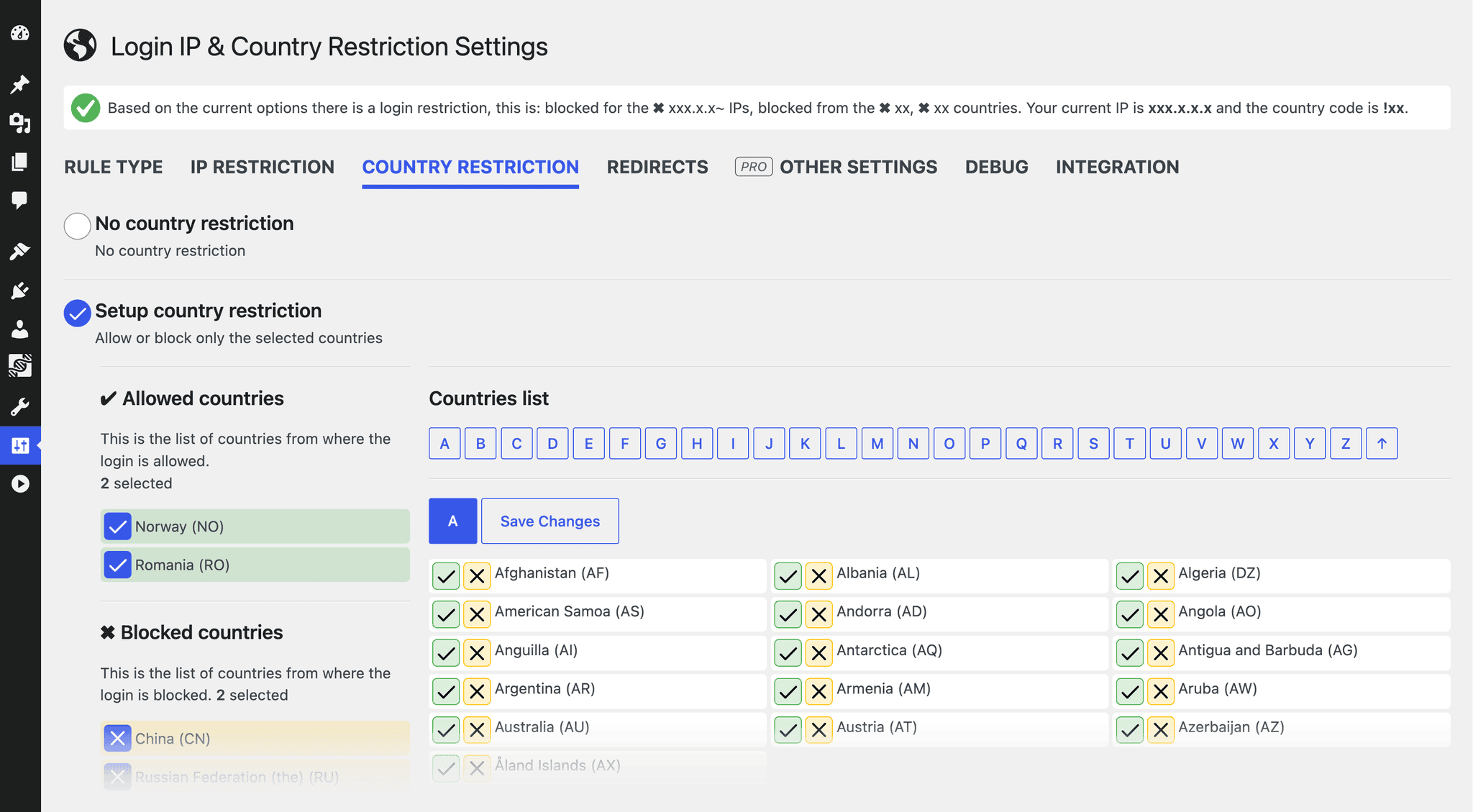
- Country Restriction: Whitelist or blacklist entire countries from accessing the authentication filters.
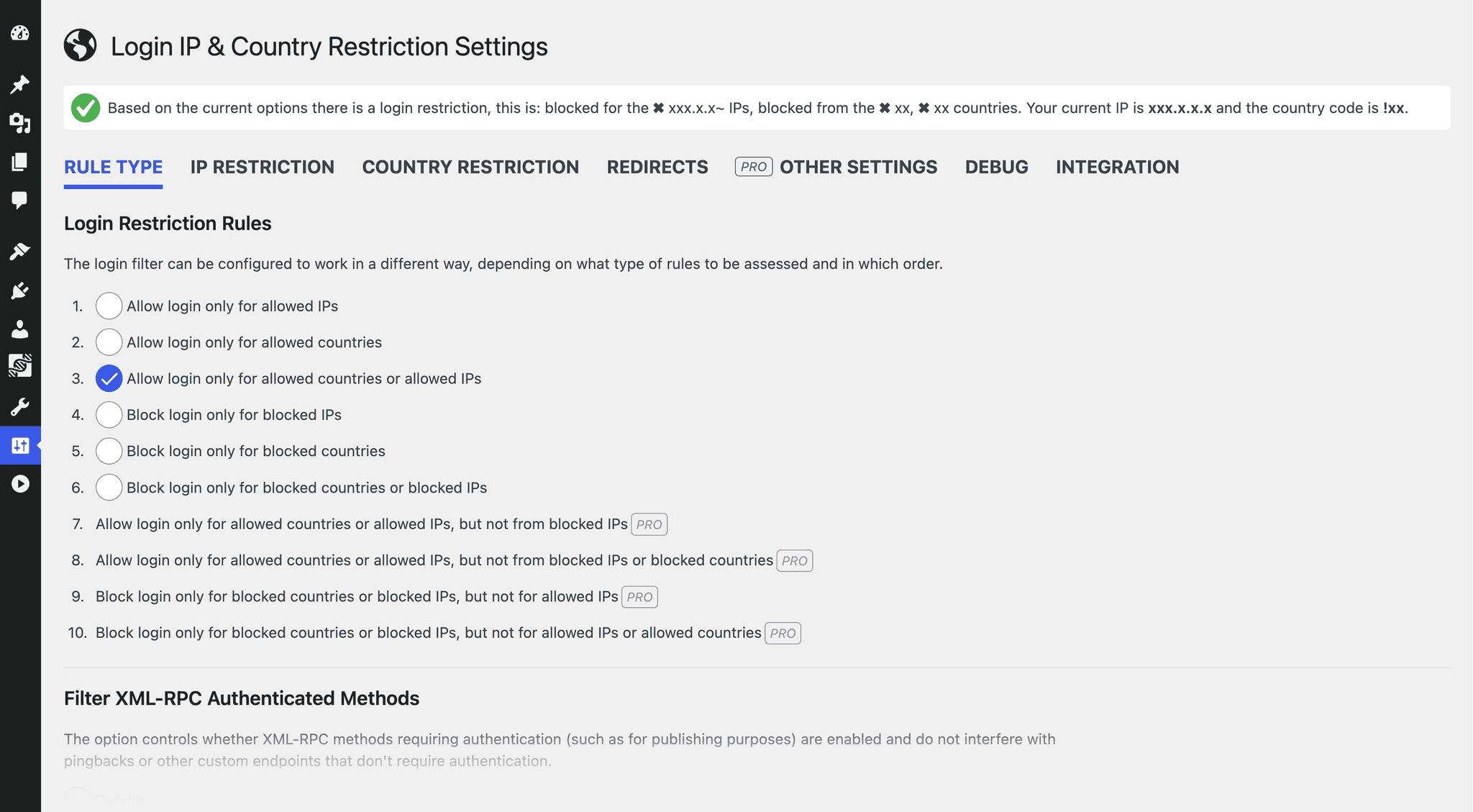
- Independent Logic: Run IP rules only, country rules only, or combine both together for maximum security.
- Smart Redirects: Configure custom behavior to automatically redirect restricted traffic back to the front page.
- XML-RPC Protection: Secure authentication methods beyond standard web forms.
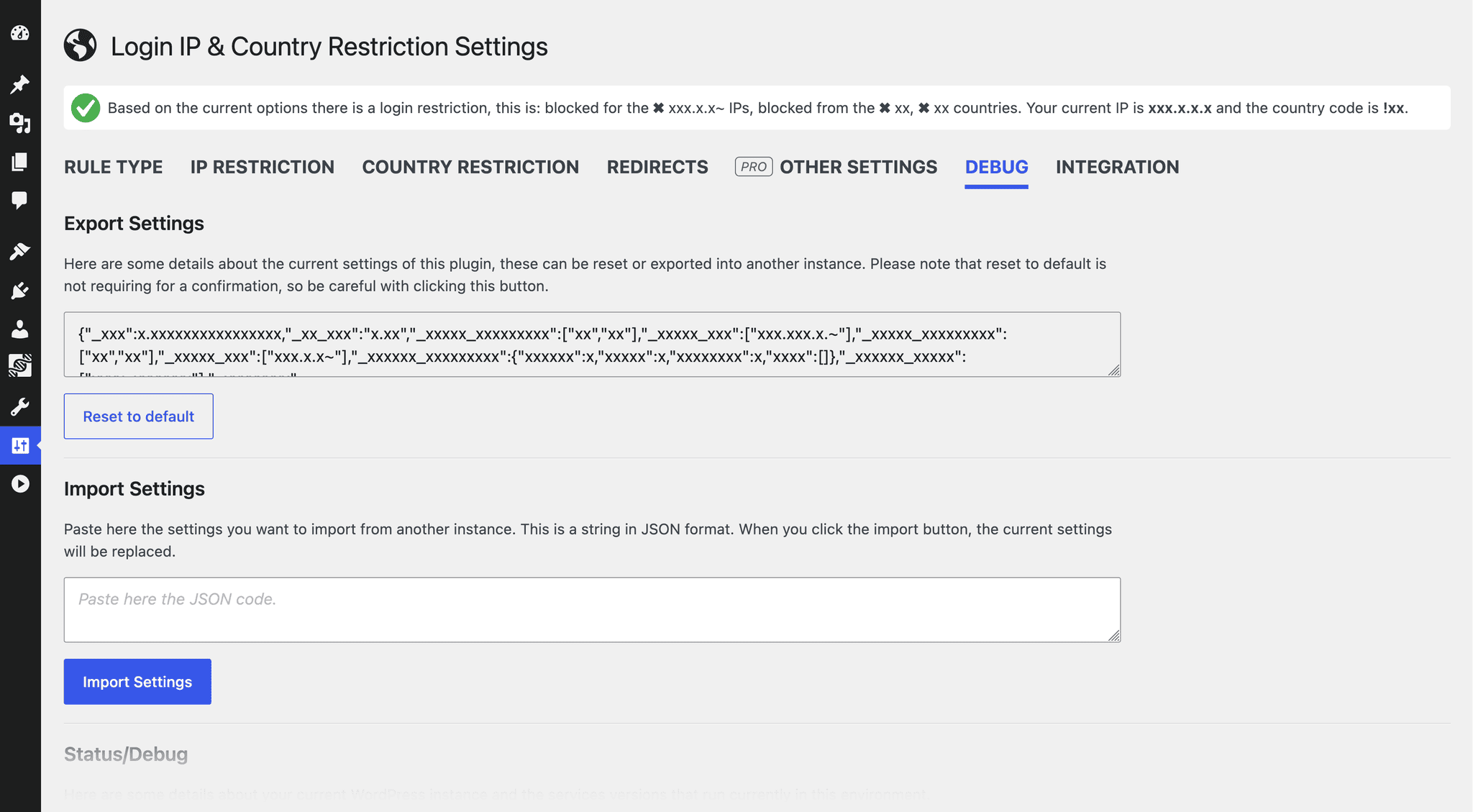
- Data Portability: Quickly export and import your security settings, and check status details for debugging.
💎 Take Your Security Further with Pro
Login IP & Country Restriction Pro adds:
* Additional rule types
* Redirect restricted login (404 or 403 with a custom message)
* Lockout duration and individual user lockout
* WooCommerce integration (automatically allow the countries of new customers)
* Bypass the IP and country restrictions for specific roles
* Single IP login per user
* Simulate an IP or country to test your rules
Explore Login IP & Country Restriction Pro
Important Safety Note: Please ensure you always configure the plugin to allow your own IP address or country before locking down settings so you do not accidentally lock yourself out!
License
This program is distributed in the hope that it will be useful, but WITHOUT ANY WARRANTY; without even the implied warranty of MERCHANTABILITY or FITNESS FOR A PARTICULAR PURPOSE.
Ekrānuzņēmumi

Uzstādīšana
- Upload the
login-ip-country-restrictionfolder to the/wp-content/plugins/directory. - Activate the plugin through the Plugins menu in WordPress.
- Navigate to the new settings panel to set up your allowed IPs and countries.
BUJ
-
Do I need a third-party API key for this plugin to work?
-
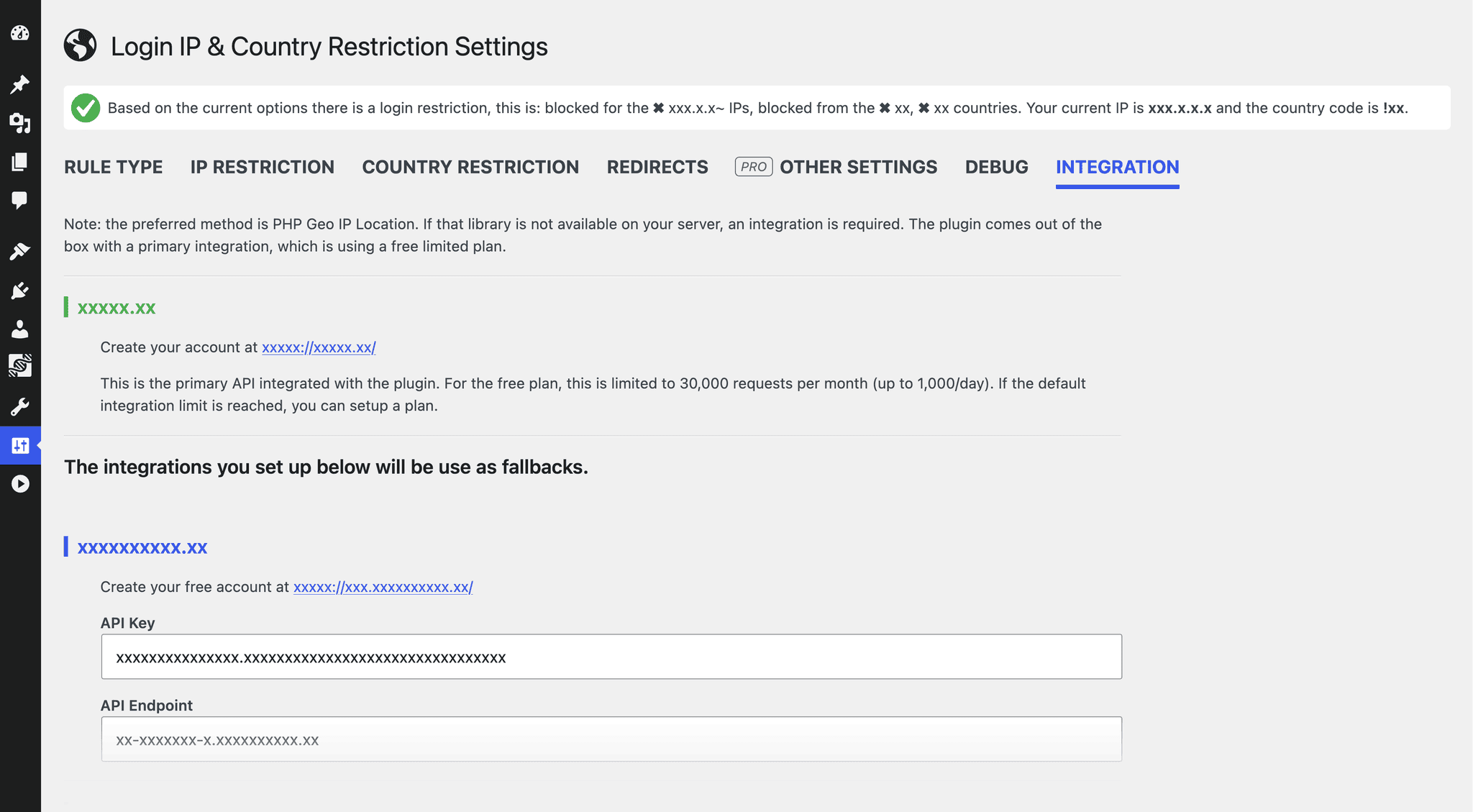
No. Out of the box the plugin uses the PHP GeoIP extension when it is available on the server, otherwise the free ipapi.co lookup. Optionally, you can add API keys for the geolocated.io, ip2location.io or geoplugin.net services in the integration settings. The lookup method that works for your server is remembered for a few hours.
-
My site is behind Cloudflare, what should I do?
-
Enable the option to trust the Cloudflare visitor IP (HTTP_CF_CONNECTING_IP) in the IPs settings. Enable it only if the site is really behind Cloudflare, because otherwise visitors could spoof that header. Sites that were already using the plugin keep this enabled until the settings are saved.
-
Can I block both an IP and a country at the same time?
-
Yes. Both types of restrictions work entirely independently of one another. You can restrict by country, whitelist a few specific external IPs, or use both methods simultaneously.
-
Help! I locked myself out. What do I do?
-
If you accidentally lock yourself out by misconfiguring your country or IP whitelist, don’t panic. Simply log into your server via FTP or hosting File Manager, rename the plugin folder from
login-ip-country-restrictiontologin-ip-country-restriction-tempto temporarily disable it, log back into WordPress, rename it back, and correct your configuration.
Atsauksmes


Autori un izstrādātāji
“Login IP & Country Restriction” ir atvērtā pirmkoda programmatūra. Šo spraudni ir veidojuši šādi cilvēki.
Līdzdalībnieki
“Login IP & Country Restriction” ir tulkots lokalizācijā 1. Paldies tulkotājiem par ieguldījumu.
Tulkot “Login IP & Country Restriction” savā valodā.
Vai jūs interesē attīstība?
Pārlūkojiet kodu, apmeklējiet SVN krātuvi vai abonējiet attīstības žurnālu, ko izveidojis RSS.
Izmaiņu žurnāls
6.8.4
- Tested up to 7.2
- Highlighted the currently active detection method in the intergation tab
- Assets updates
See the full changelog for detailed information on changes made in the earlier versions.