

Apraksts
Circle Progress Bar plugin will display the awesome unlimited circle progess bar with radiant colors.
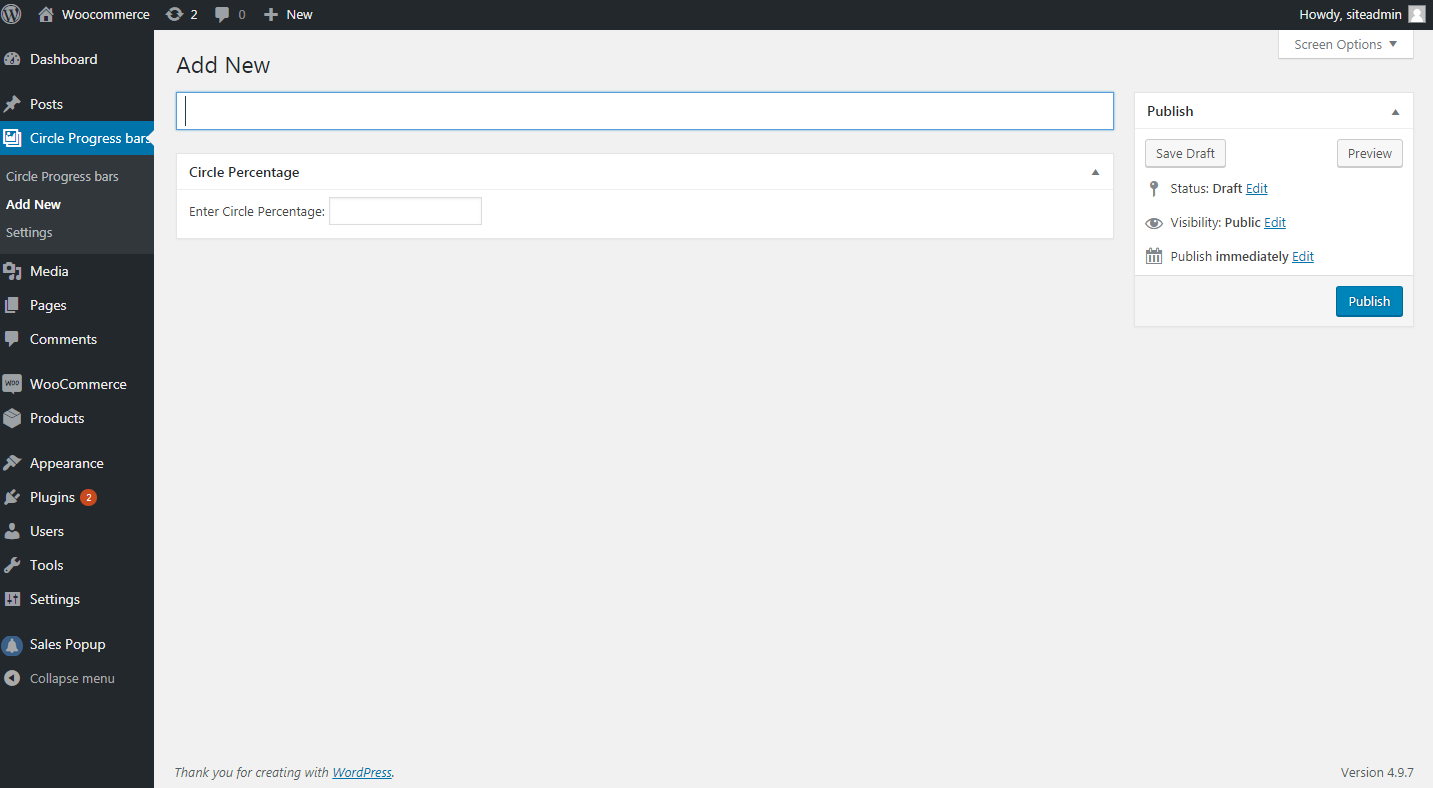
Fill circle bar color with two different colors. In addition, you can also customize color by providing the required percentage.
You can easily add/edit/delete Circle Progress Bar items from the admin panel. You can use shortcode in pages, posts or sidebar using Text Widget.
Features:
1. It will show circle progressbar.
2. Enter a numerical value to set the percentage of filled area
3. Change title, Percentage and color.
4. Easy to implement
5. Fill circle bar color with two different colors
6. Unlimited Circle Bars.
7. Support post or page.
8. And many more.
Usages:
Just use [circlebar] short code.
Simple usage instruction:
1. Install This plug in your WordPress Site
-
Place [circlebar] this shortcode where you want to use it.
-
You can use this in your theme by Placing in your templates
Ekrānuzņēmumi


Uzstādīšana
USING THE WORDPRESS DASHBOARD
- Navigate to the ‘Add New’ in the plugins dashboard
- Search for Circle Progress Bar
- Click Install Now
- Activate the plugin on the Plugin dashboard
UPLOADING IN WORDPRESS DASHBOARD
- Navigate to the ‘Add New’ in the plugins dashboard
- Navigate to the ‘Upload’ area
- Select custom-circle-progress-bar.zip from your computer
- Click ‘Install Now’
- Activate the plugin in the Plugin dashboard
USING FTP 1. Download custom-circle-progress-bar.zip 2. Extract the custom-circle-progress-bar directory to your computer 3. Upload the custom-circle-progress-bar directory to the /wp-content/plugins/ directory 4. Activate the plugin in the Plugin dashboard
BUJ
Easy to use this plugin. Just install it and check under settings for Circle Progress Bar. Given the shortcodes for usage. Just place the shortcode in any page or post and you should be done.
Installation Instructions:
- Install as regular WordPress plugin.
- Go your Pluings setting via WordPress Dashboard and activate it.
- After activate plugin you will use Shortcode in settings menu to display Circle Progress bars post or page. use this shortcode [circlebar] to display Circle Progress Bars any where post of pages. Before display this shortcode [circlebar] set the color of circle bar in Setting option.
- Installation Instructions
-
USING THE WORDPRESS DASHBOARD
- Navigate to the ‘Add New’ in the plugins dashboard
- Search for Circle Progress Bar
- Click Install Now
- Activate the plugin on the Plugin dashboard
UPLOADING IN WORDPRESS DASHBOARD
- Navigate to the ‘Add New’ in the plugins dashboard
- Navigate to the ‘Upload’ area
- Select custom-circle-progress-bar.zip from your computer
- Click ‘Install Now’
- Activate the plugin in the Plugin dashboard
USING FTP
1. Download custom-circle-progress-bar.zip
2. Extract the custom-circle-progress-bar directory to your computer
3. Upload the custom-circle-progress-bar directory to the /wp-content/plugins/ directory
4. Activate the plugin in the Plugin dashboard
Atsauksmes
Par šo spraudni nav atsauksmju.
Autori un izstrādātāji
“Circle Progress Bar” ir atvērtā pirmkoda programmatūra. Šo spraudni ir veidojuši šādi cilvēki.
Līdzdalībnieki

Tulkot “Circle Progress Bar” savā valodā.
Vai jūs interesē attīstība?
Pārlūkojiet kodu, apmeklējiet SVN krātuvi vai abonējiet attīstības žurnālu, ko izveidojis RSS.
Izmaiņu žurnāls
1.0
Initial Public Release.