
Apraksts
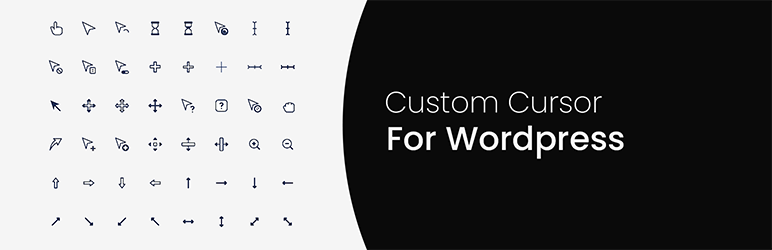
Custom Cursor For WP – Help you to customize your WordPress website cursor or mouse pointer and It’s very easy to use. You get a variety of cursor options to choose from like the animated cursor, WordPress dashicon icon cursor and even you can add your customized image as cursor as per your choice.
List of features or options available in Custom Cursor For WP.
- List of animated cursor options available to choose from.
- List of WordPress dashicon icon cursors that have a variety of cursor styles to choose from.
- You can add your choice of custom image as a cursor.
- Customize the color and size of the cursor.
Ekrānuzņēmumi


Uzstādīšana
- Upload the plugin folder to your /wp-content/plugins/ folder.
- Go to the Plugins page and activate the plugin.
- Go to plugin setting at the ‘Custom Cursor For WP’ menu on the left side. Enable Custom Cursor. Select your favorite cursor, set its color & size, and click on the save button.
- Go to frontside of your website and refresh the page to see the changes.
BUJ
-
My theme is not supported?
-
If your theme is not supported or does not show a cursor on the front side, kindly contact the author. We will be constantly upgrading the plugin
-
How to uninstall the plugin?
-
Simply deactivate and delete the plugin.
Atsauksmes


Autori un izstrādātāji
“Custom Cursor For WP” ir atvērtā pirmkoda programmatūra. Šo spraudni ir veidojuši šādi cilvēki.
Līdzdalībnieki
Tulkot “Custom Cursor For WP” savā valodā.
Vai jūs interesē attīstība?
Pārlūkojiet kodu, apmeklējiet SVN krātuvi vai abonējiet attīstības žurnālu, ko izveidojis RSS.
Izmaiņu žurnāls
1.0.0
- Plugin released.