
Apraksts
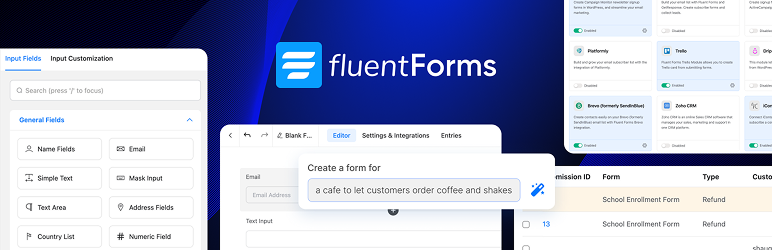
Fluent Forms is an advanced and lightweight Contact Form Builder
Fluent Forms is the ultimate user-friendly, customizable drag-and-drop WP contact form plugin that offers you all the powerful features. It is a perfect no-code form builder for both beginners and advanced users.
Demo | User Guide | Youtube Video Tutorials | Get Support | Official Facebook Community | Official Fluent Forms Community
Anything from a simple contact form to a more advanced payment, quiz, or calculator form, Fluent Forms can meet virtually all your needs.
Powerful Features available in the Free Version
- Drag & drop builder
- Smart conditional logic
- Conversational form
- Built-in AI Form Builder
- 25+ ready-to-use input fields
- Gutenberg Form Styler
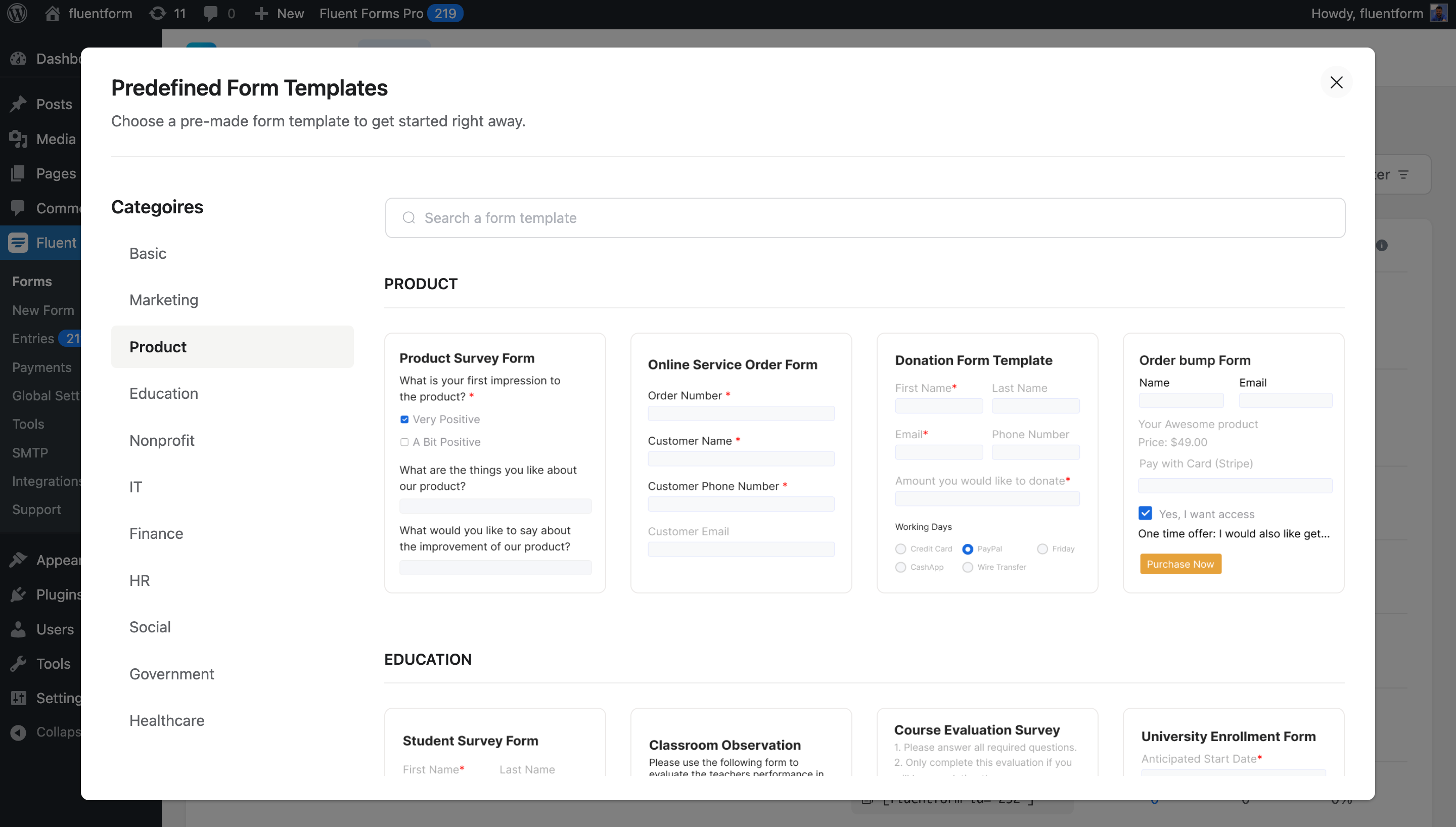
- Reusable form templates
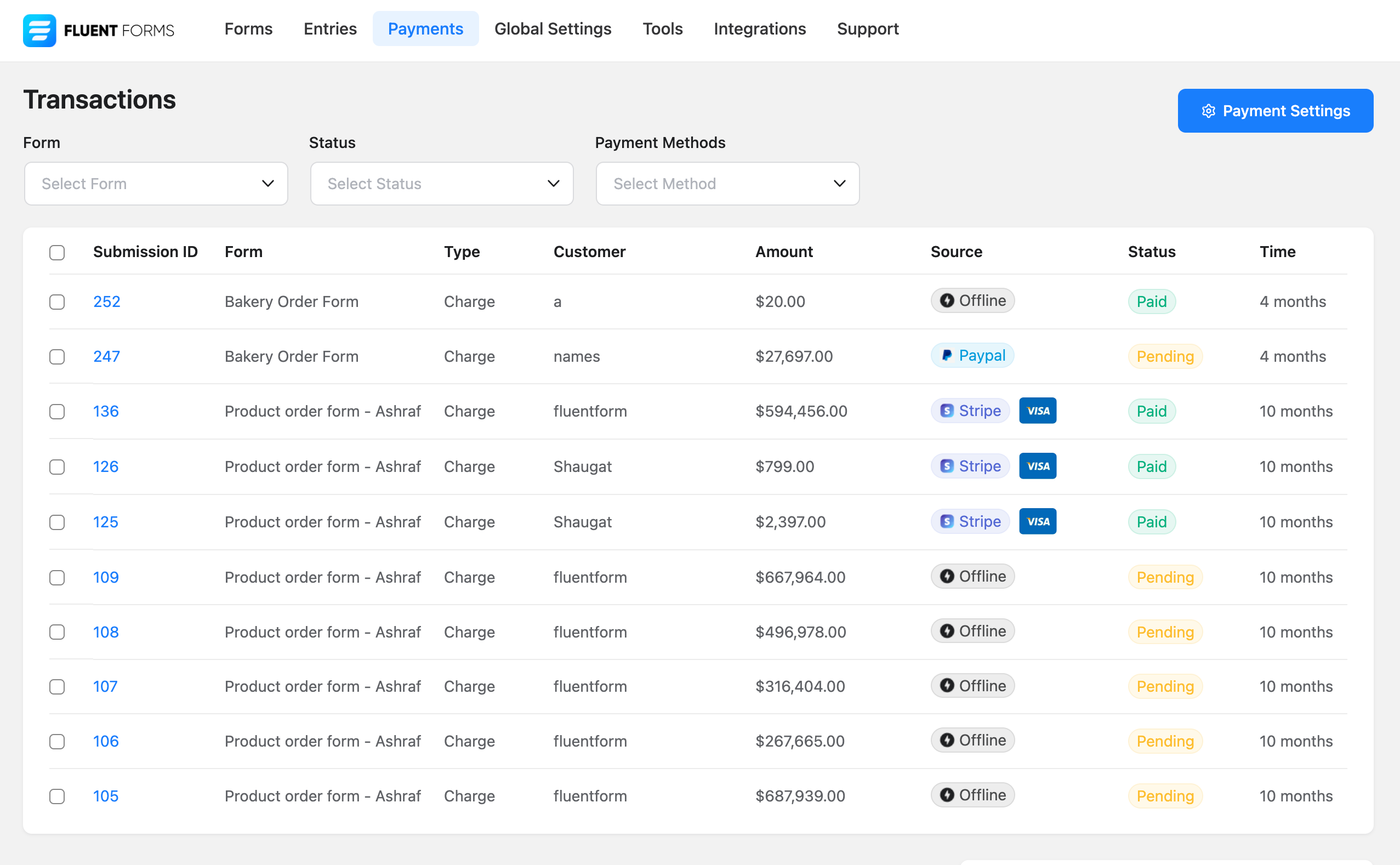
- Accept Payments with Stripe*
- Reporting Dashboard*
- Adjustable multi-column form layout
- Spam protection using reCAPTCHA, hCaptcha & more
- Email notification
- Form scheduling & restriction
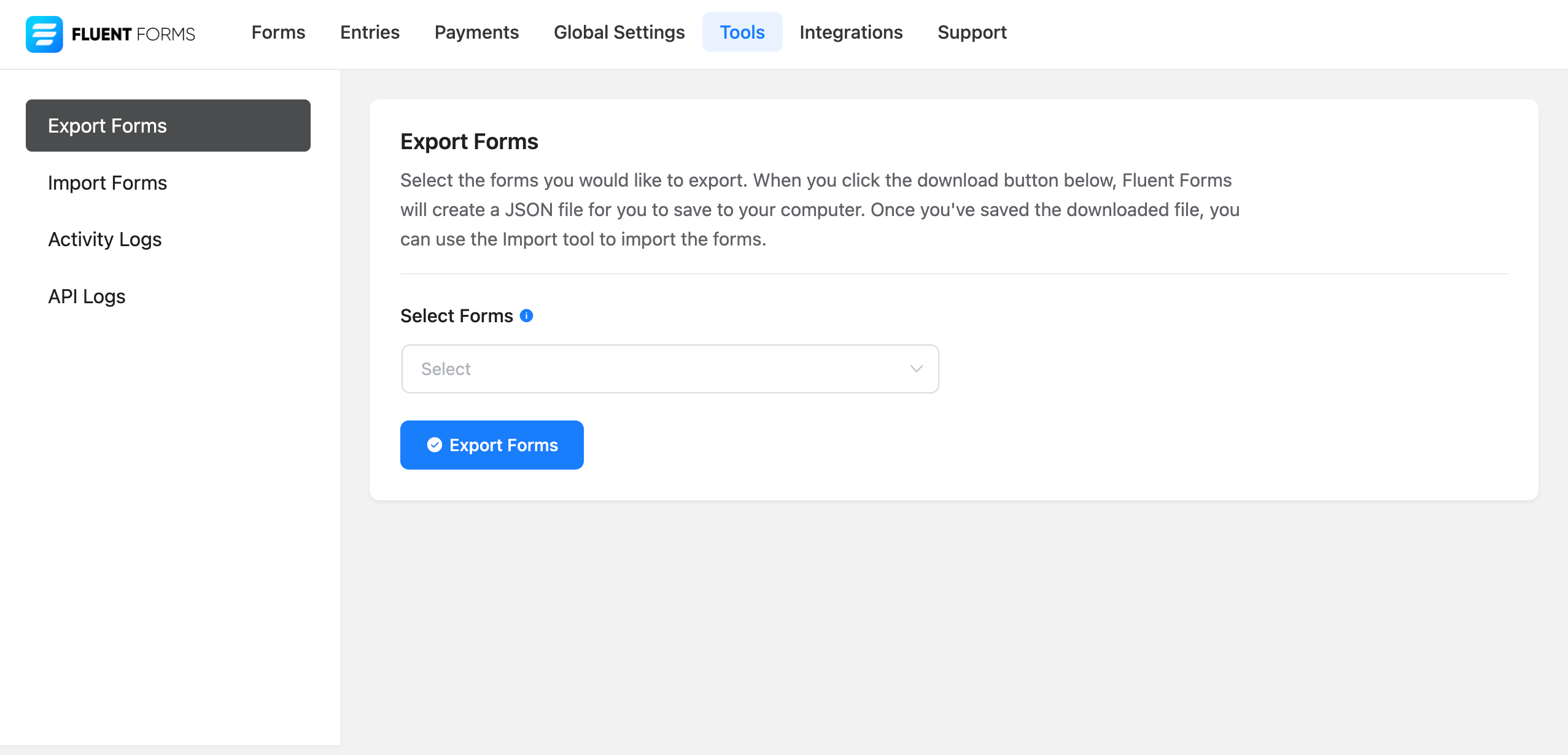
- Export/import forms
- Export entries in CSV/Excel/ODS/JSON format
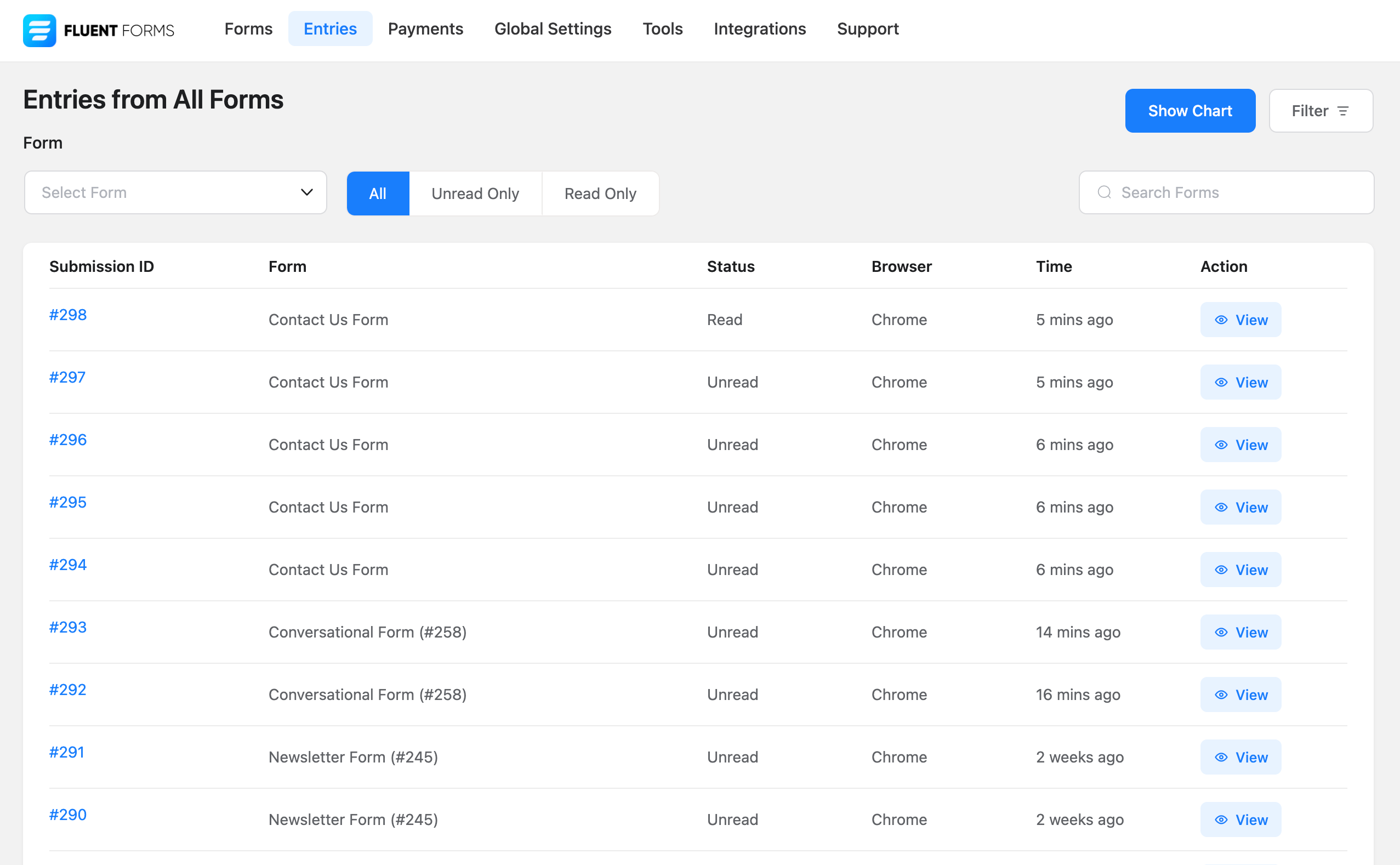
- Filter entries & Form Finder
- Undo/redo & Form Edit history
- Role manager
- Form analytics & Visual data report
- Set default value for input fields or populate from URL parameters
- Custom CSS & JS
- Fully responsive & accessible for users with special needs
- Migrate from WPForms, Contact Form 7, Gravity Forms, Ninja Forms & Caldera Forms
Features available in the Pro version
- 55+ input fields
- Payment
- Numeric calculation
- Multi-step form
- Advanced form styler
- Quiz & survey module
- Inventory management
- Dynamic field
- Report module
- Advanced search filter
- Import form entries
- Admin approval
- Conditional confirmation messages
- Double opt-in
- Advanced form validation
- Auto-delete entries
- Landing page
- Geo-location provider
- SMS notifications
- Conditional email routing
- User registration
- Advanced post/CPT creation
- Address autocomplete
- 60+ third-party integrations (and a lot more via Zapier)
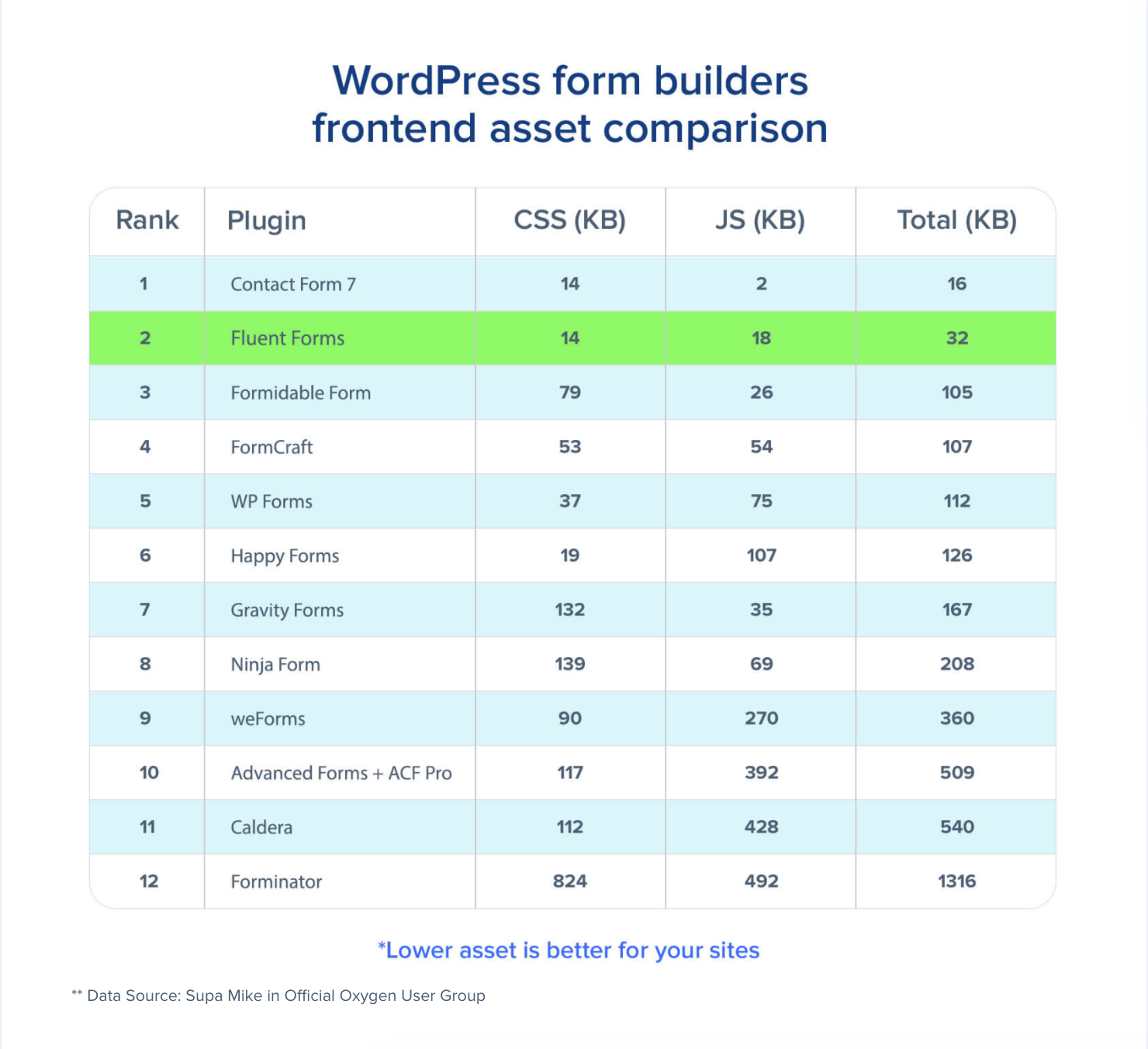
Super Fast Contact Forms
Fluent Forms is optimized for speed, minimally impacting site performance with less than 30KB of combined CSS and JS for a standard form. This is significantly faster than most form builders, which load over 300KB of assets. Build the fastest online forms quickly.
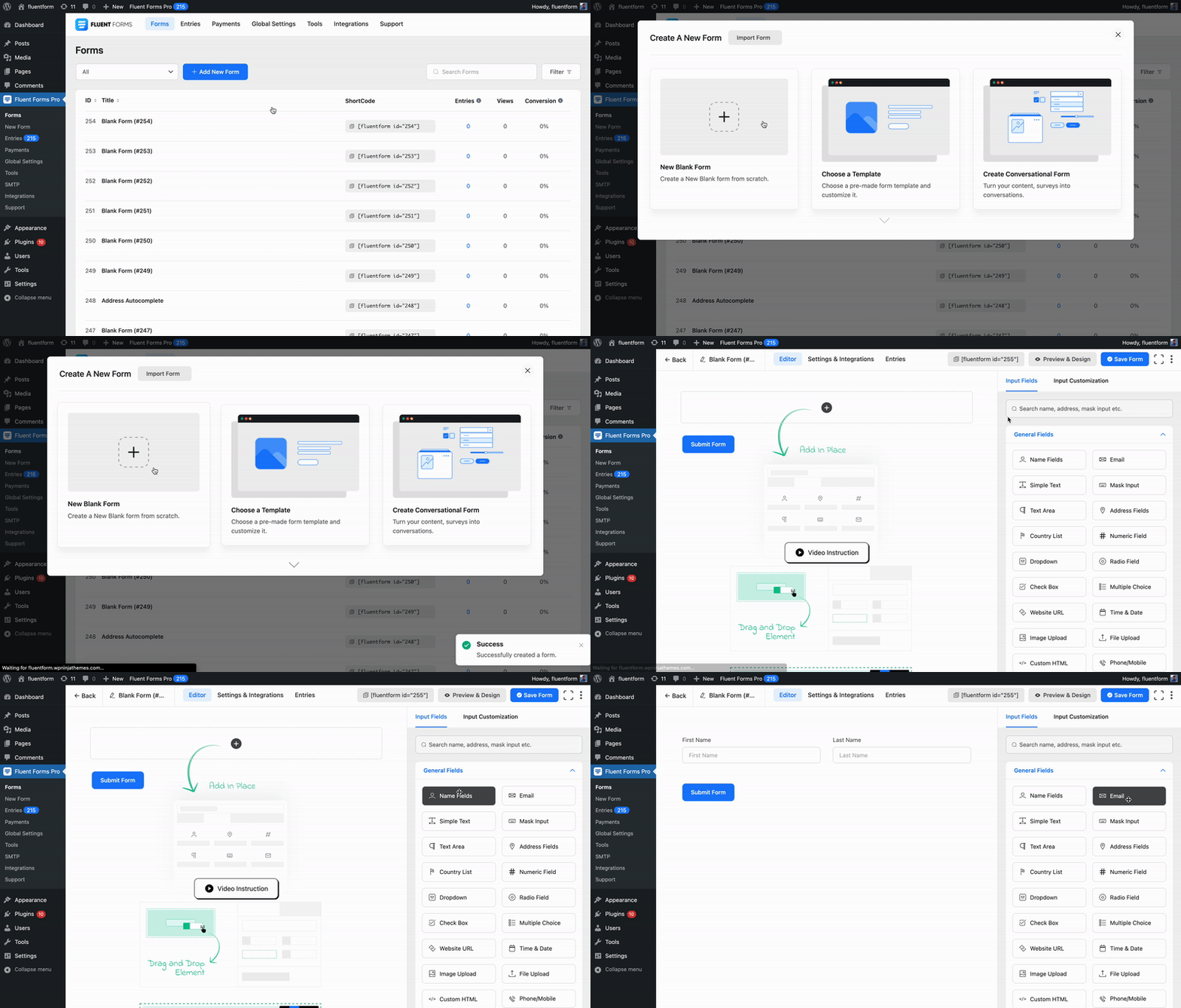
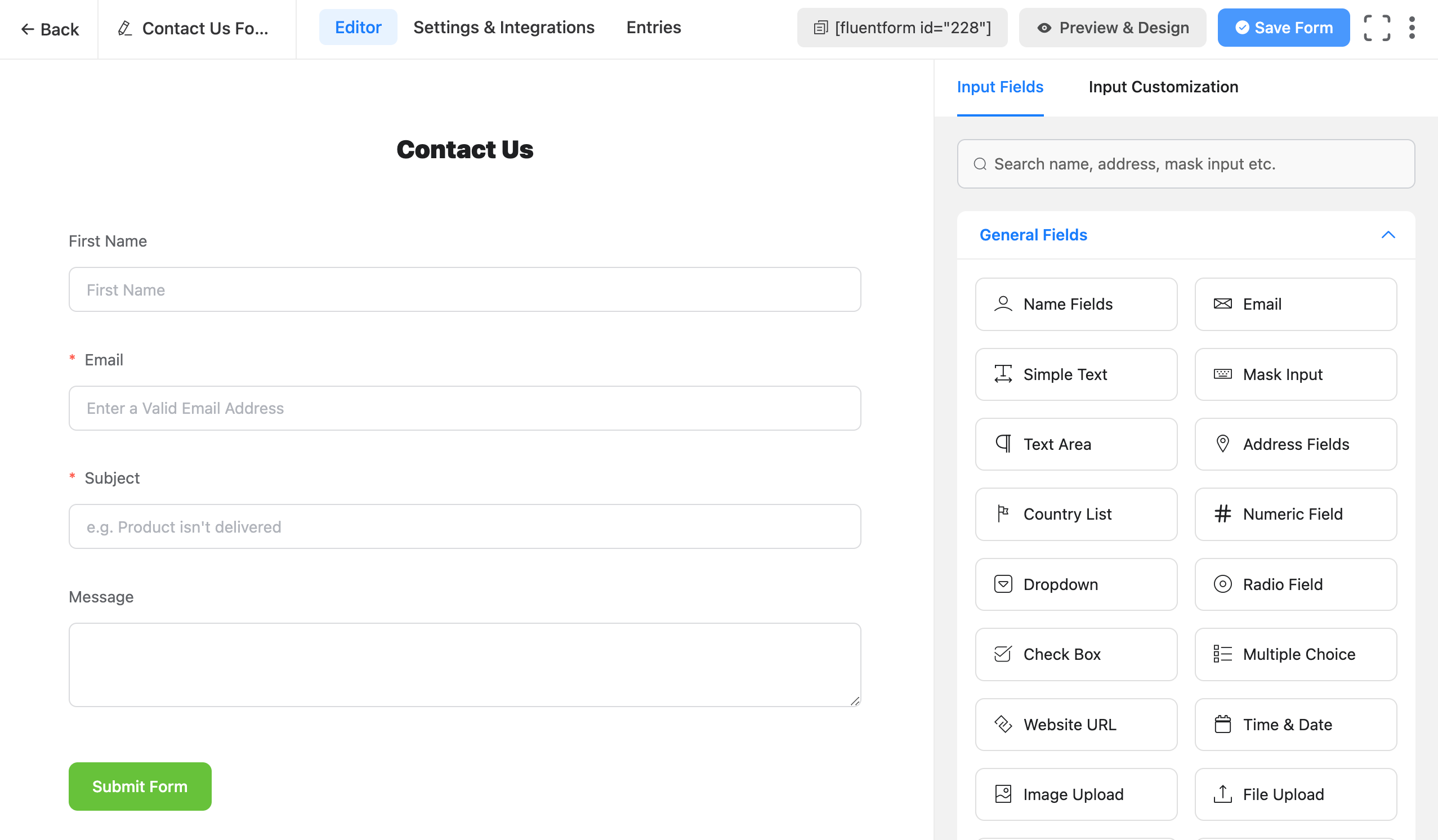
Drag & Drop Contact Form Builder
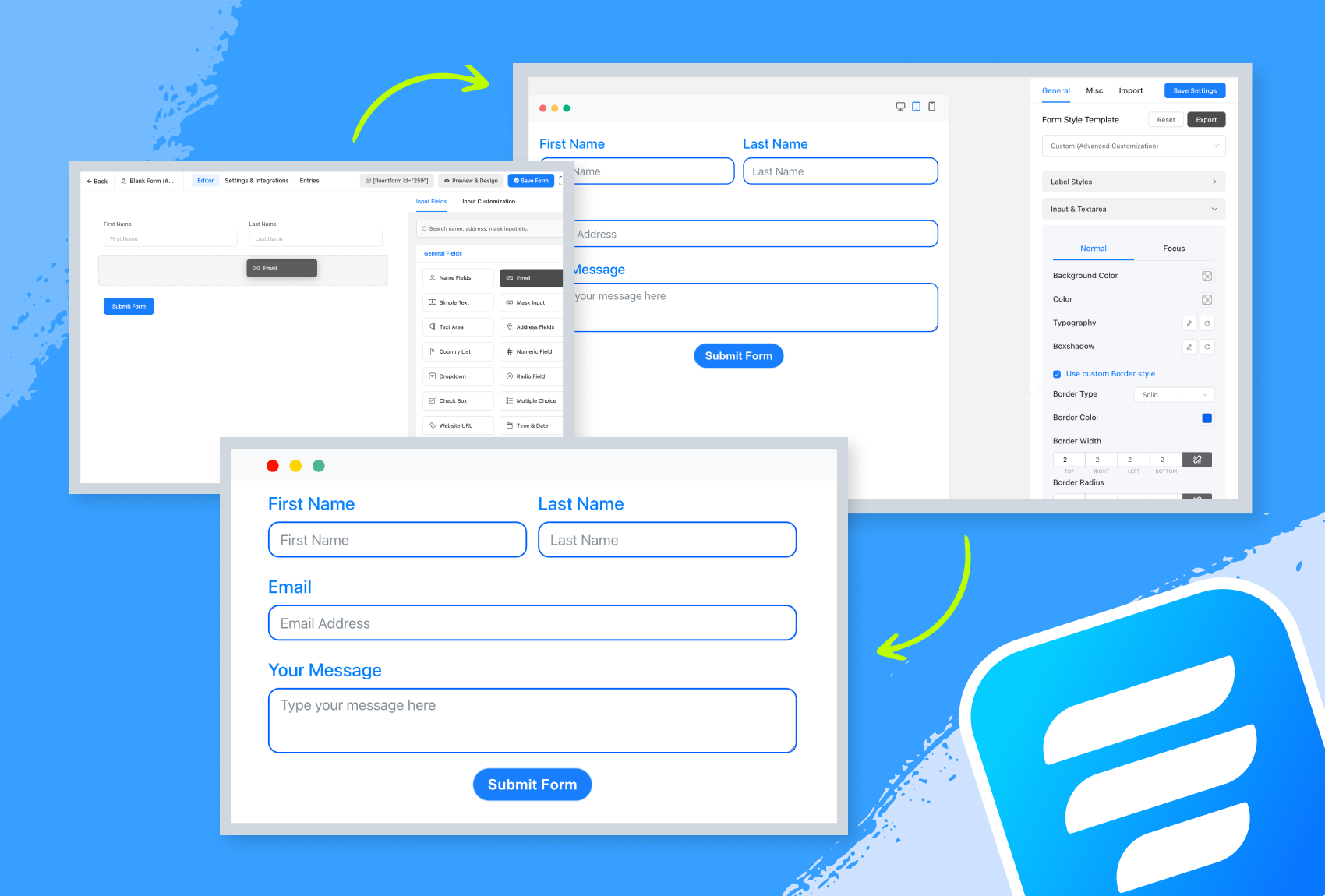
Our drag-and-drop form builder allows you to easily create any form you can imagine in a few minutes without writing any code.
Input Fields
Available in the Free Version
- Name Fields
- Simple Text
- Mask Input
- Text Area
- Address Fields
- Country List
- Numeric Field
- Dropdown
- Radio Field
- Checkbox
- Multiple Choice
- Website URL
- Time & Date
- Custom HTML
- Hidden Field
- Section Break
- reCAPTCHA
- hCaptcha
- Turnstile
- Terms & Conditions
- GDPR Agreement
- Password Field
- Custom Submit Button
- One/Two/Three/Four/Five/Six Column Container
- Payment Item
- Subscription
- Custom Payment Amount
- Item Quantity
- Payment Method
- Payment Summary
Available in the Pro Version
- Image Upload
- File Upload
- Phone/Mobile
- Shortcode
- Action Hook
- Form Step
- Ratings
- Checkable Grid
- Range Slider
- Net Promoter Score
- Dynamic Field
- Chained Select
- Color Picker
- Repeat Field
- Post/CPT Selection
- Rich Text Input
- Save & Resume
- Quiz Score
- Coupon
- Post Title
- Post Content
- Post Excerpt
- Featured Image
- Post Update
- Post Taxonomy Fields (Categories, Tags, Formats)
- Container Repeater
- Accordion/Tab
Gutenberg Form Styler
Customize form colors, typography, spacing, and borders directly within the Gutenberg interface. No more switching between editors or hunting for CSS selectors, style your forms right where you build your pages.
Fully Mobile Responsive Forms
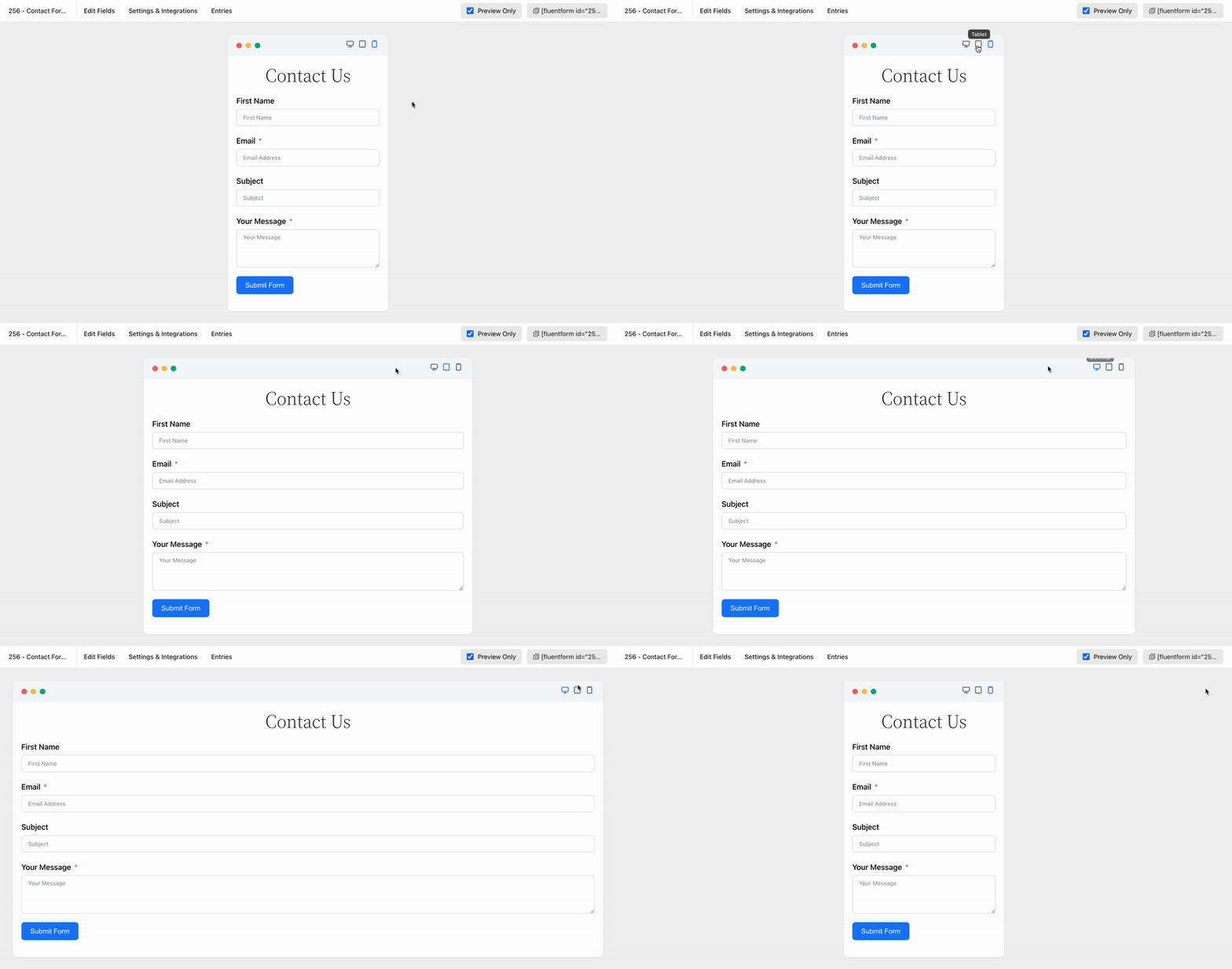
Fluent Forms has been developed to make sure that it satisfies devices of all display sizes. Display your forms on all devices without any extra hassle.
Reusable Form Templates
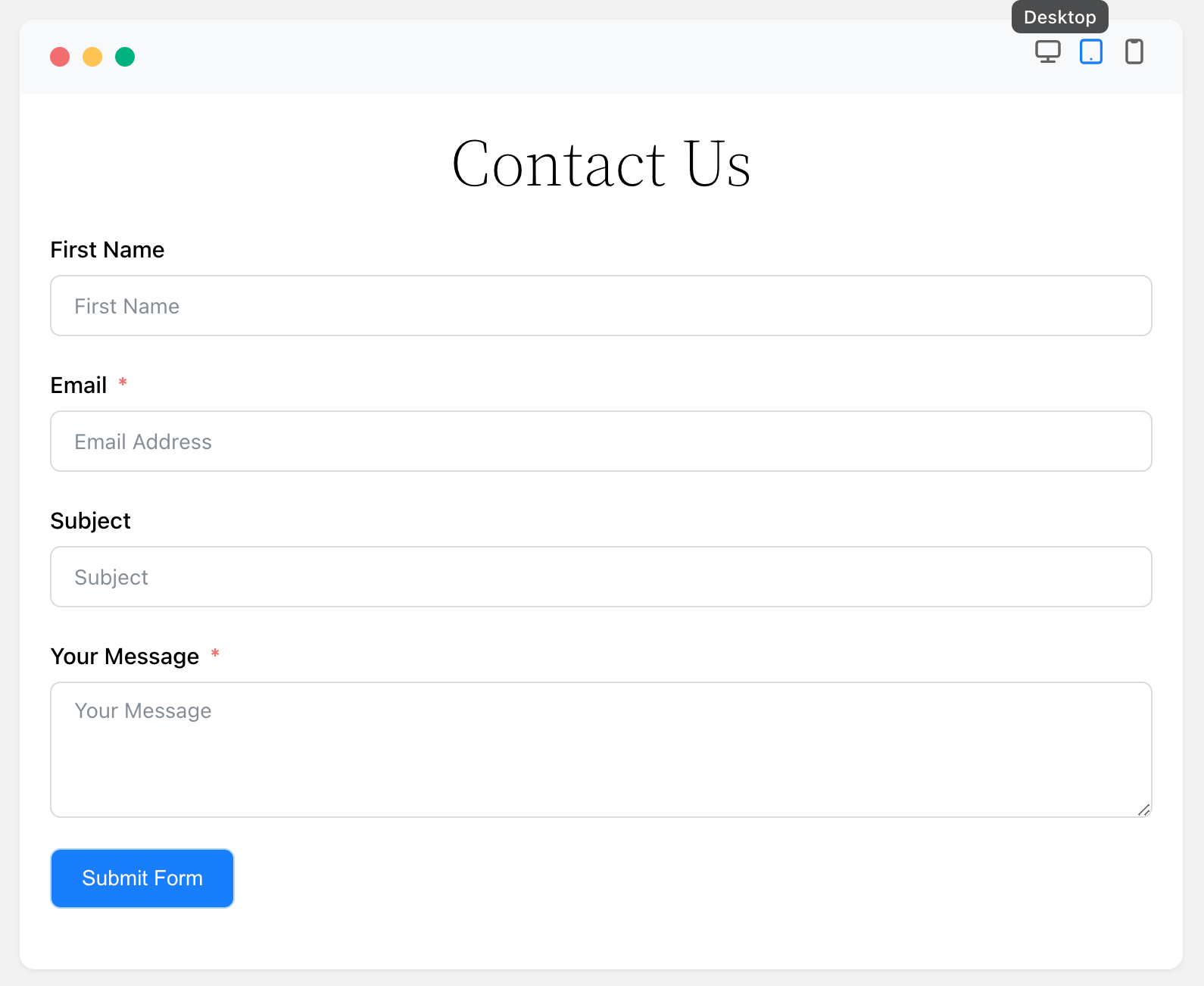
Stop repetitive work. Fluent Forms offers pre-built forms with a single click, allowing quick tweaks and saving time. We provide dozens of useful templates for fast form building, including:
* Contact Form
* Support Form
* Event Registration Form
* Vendor Contact Form
* Patient Intake Form
* Volunteer Application Form
* Request for Quote Form
* Conference Proposal Form
* Report a bug Form
* Polling Form
* Tell A Friend Form
* My Directory Information Form
* Request for Leave Form
* Admissions Form
* Loan Application Form
* Job Listing Form
* Website Feedback Form
* Comment & Rating Form
* User Registration Form (Pro)
* Donation Form (Pro)
* Payment Form (Pro)
* Subscription Payments Form (Pro)
Conversational Forms
Fluent Forms excels in creating various forms, notably its conversational forms. Unlike traditional forms, these present one question at a time, minimizing distraction and boosting completion rates. They offer multiple layout and sharing options (direct URLs, shortcodes, HTML embedding, etc.).
View Conversational Form Demo
Fluent Forms Pro offers advanced conversational forms. Users can navigate questions via scroll and key press, and customize fonts, colors, and backgrounds to align with their brand.
AI Form Builder
Say hello to Free AI Form Builder! Fluent Forms AI Form Builder simplifies and speeds up form creation. Just describe your needs to generate effective forms with all necessary fields.
Data & Privacy: The AI Form Builder relies on a hosted external service (ai.fluentforms.com) to generate your form. When you use this feature, the form description you enter along with your site URL and site title are sent to that service to build the form structure. Anonymous, aggregated usage data — such as the resulting form type and the field types generated — may be retained to help us improve the feature. Your visitors’ form submissions are never sent. By using the AI Form Builder you consent to this data transfer. Learn more in our Privacy Policy.
Accept Payments with Stripe
Fluent Forms 6.0 now offers payment fields to free users, allowing Stripe payments for events, donations, or sales with a 1.9% transaction fee. Recurring payments are also included via the Subscription field. Pro removes the 1.9% fee, leaving only Stripe’s charges.
Fluent Forms Report Module
Fluent Forms Report Module provides powerful, data-informed insights through three sections: Overview, Payment, and Submissions. The free version includes basic analytics like submission/payment summaries, form ranking, API logs, and detailed charts. The Pro version unlocks advanced reporting, such as partial entry rates, submission data by country, and subscription analytics.
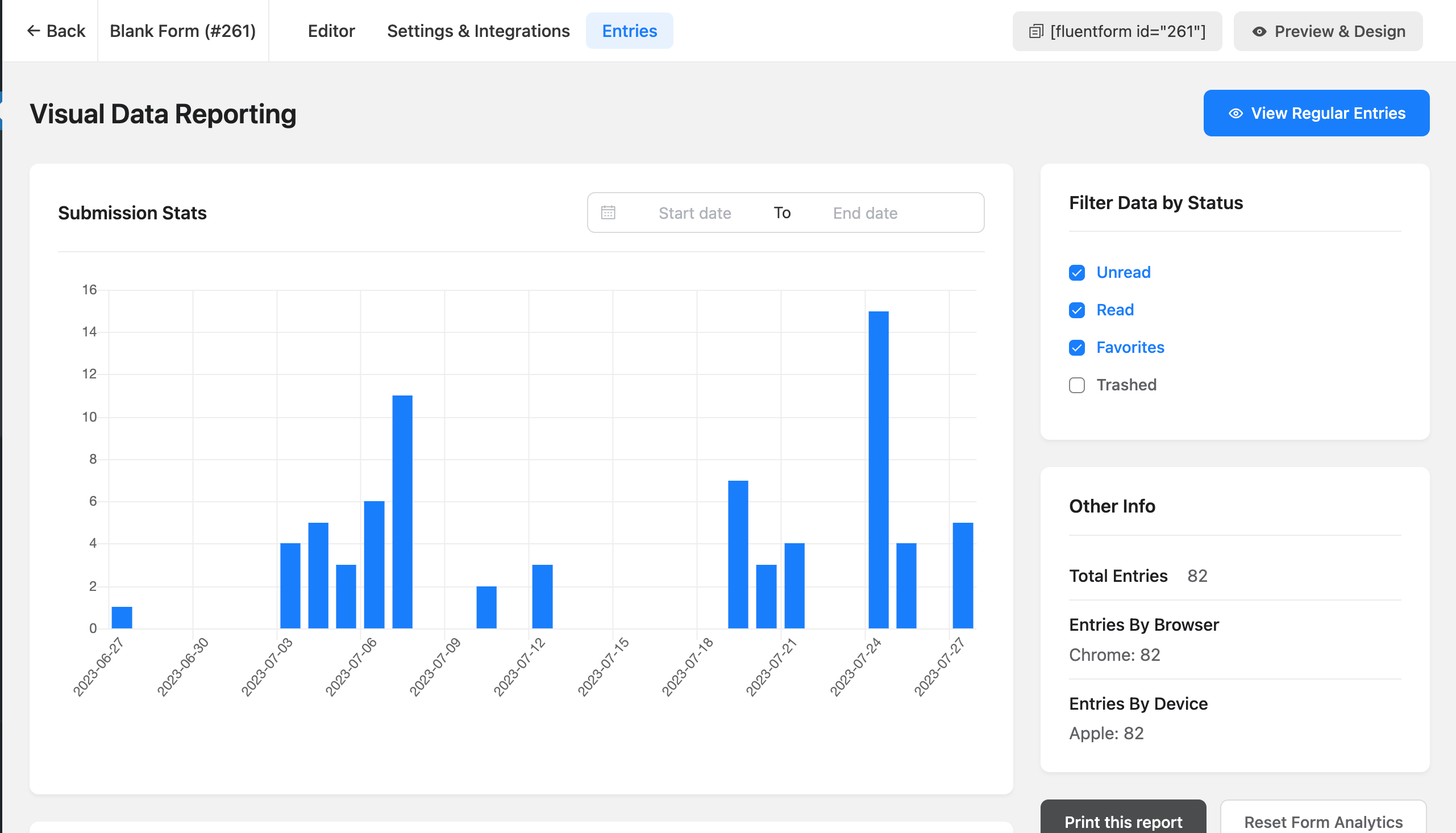
Built-in Data Visualization Tool
Fluent Forms allows easy analysis of form submissions with pie, bar, or tabular charts. As a form or quiz builder, it simplifies data analysis, providing real-time graphical results for surveys or polls.
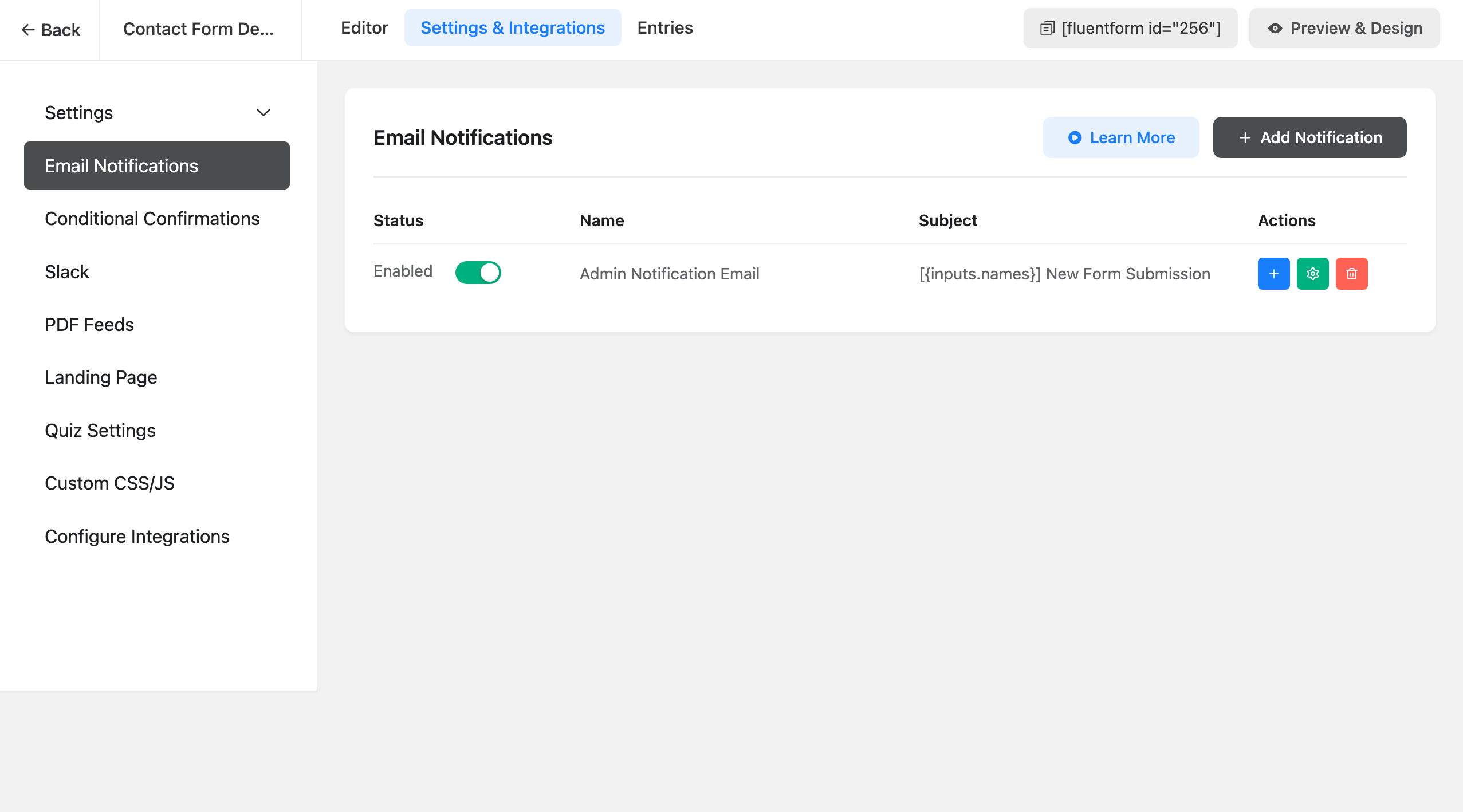
Email Notification
Get notified every time someone submits a form and also send a confirmation email to the one who fills out the form. To make it more advanced, you can use conditional email notifications to send emails when certain conditions are met.
Multi-column Form Layout
Stack input fields in multiple columns and make the long, boring form appear compact and smart. This will lead to a lower form abandonment rate. There are six types of column containers to choose from.
Conditional Logic
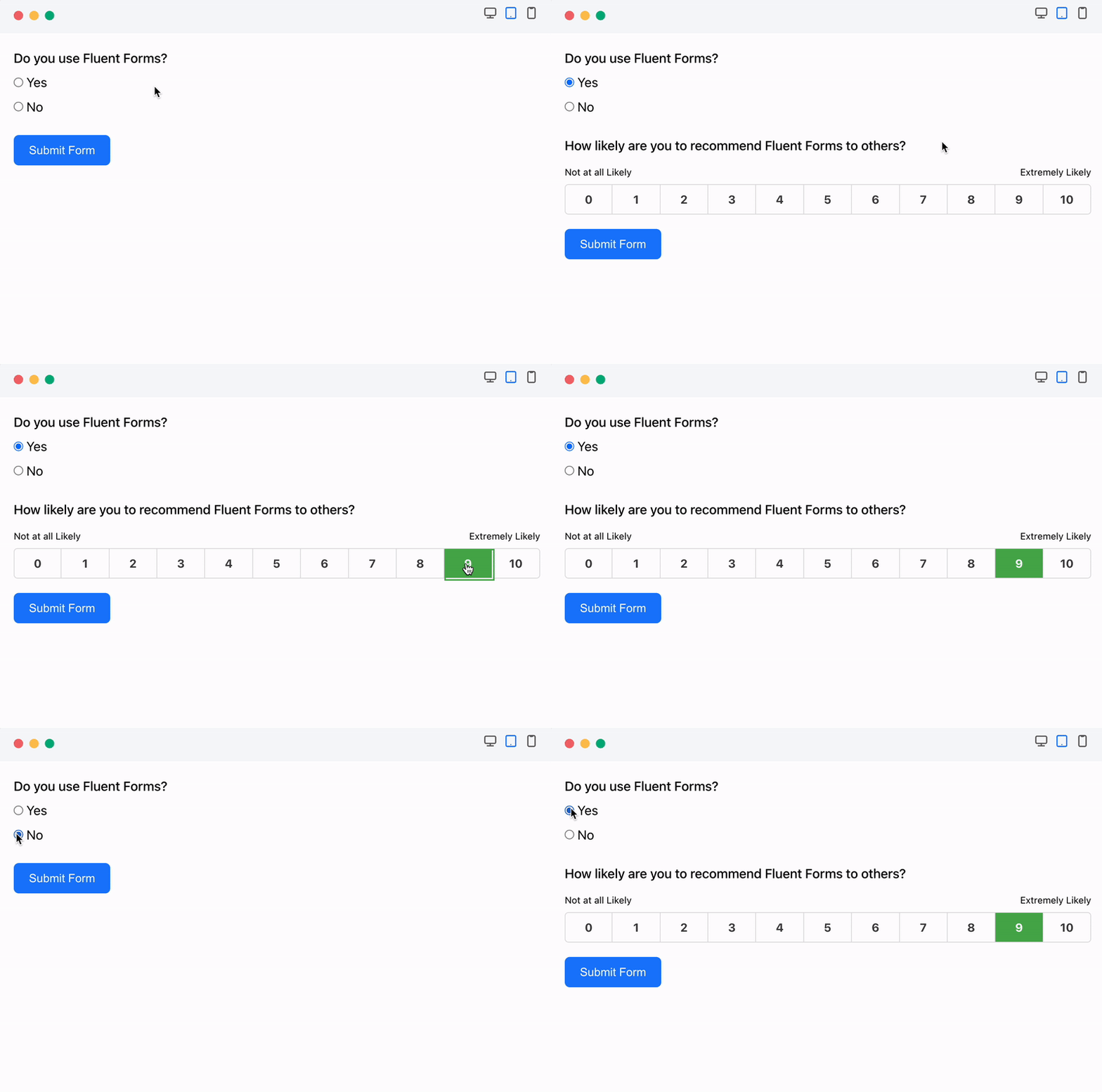
Use conditional logic to show or hide form fields based on user behavior, preventing unnecessary clutter. Users can set multiple condition groups by selecting fields and defining rules (e.g., equal, greater than, includes). Conditional logic also allows for automatic email notifications and displaying different confirmation messages based on submission conditions.
Calculator for Advanced Form Calculation
Fluent Forms’ numeric field enables creation of smart calculators like car loan, BMI, mortgage, or tax calculators with ease. You can define the acceptable range for these numerical inputs by setting minimum and maximum values.
Create PDF Files from Form Submission
Generate PDF from your submitted entries and let users download the PDF file or send it via email. You can use this feature to generate invoices, create reports, or provide order summaries.
Conditional Confirmation
Fluent Forms Pro allows you to send customized confirmation messages to your users if they meet specific conditions.
Advanced Form Styler
Fluent Forms Pro’s Advanced Form Styler allows easy contact form customization to boost conversions. Adjust colors, fonts, box shadows, borders, margins, and padding. You can also quickly import styles from previous forms.
Build Quizzes & Surveys
Fluent Forms Pro is a versatile tool, functioning as both a contact form and a powerful quiz builder. As a quiz plugin, it enables the creation of fun quizzes, personality tests, and trivia, with scoring assigned to questions. Users can see their performance immediately after submission or through email. It also supports running surveys and displaying the results.
Payment Forms
Fluent Forms Pro is a powerful solution for creating payment, product order, and donation forms, in addition to contact forms. It easily accepts credit card payments via integration with popular gateways like PayPal, Stripe, Razorpay, Paddle, Square, Paystack, Mollie and Authorize.net.
One-Click Migrator
If you are already using Contact Form 7, WPForms, Caldera Forms, Ninja Forms or Gravity Forms and looking to move to Fluent Forms, you can do this with a single click.
Fluent Forms CLI
Fluent Forms offers a powerful Command Line Interface (CLI) for managing forms without the graphical user interface. The CLI tool allows users to easily create, manage, import/export data, track submissions, and configure settings.
Enhanced Email Routing & Automation
Boost website efficiency by using query strings to pre-fill visitor details and direct forms to designated teams via email routing, auto-response, and conditions.
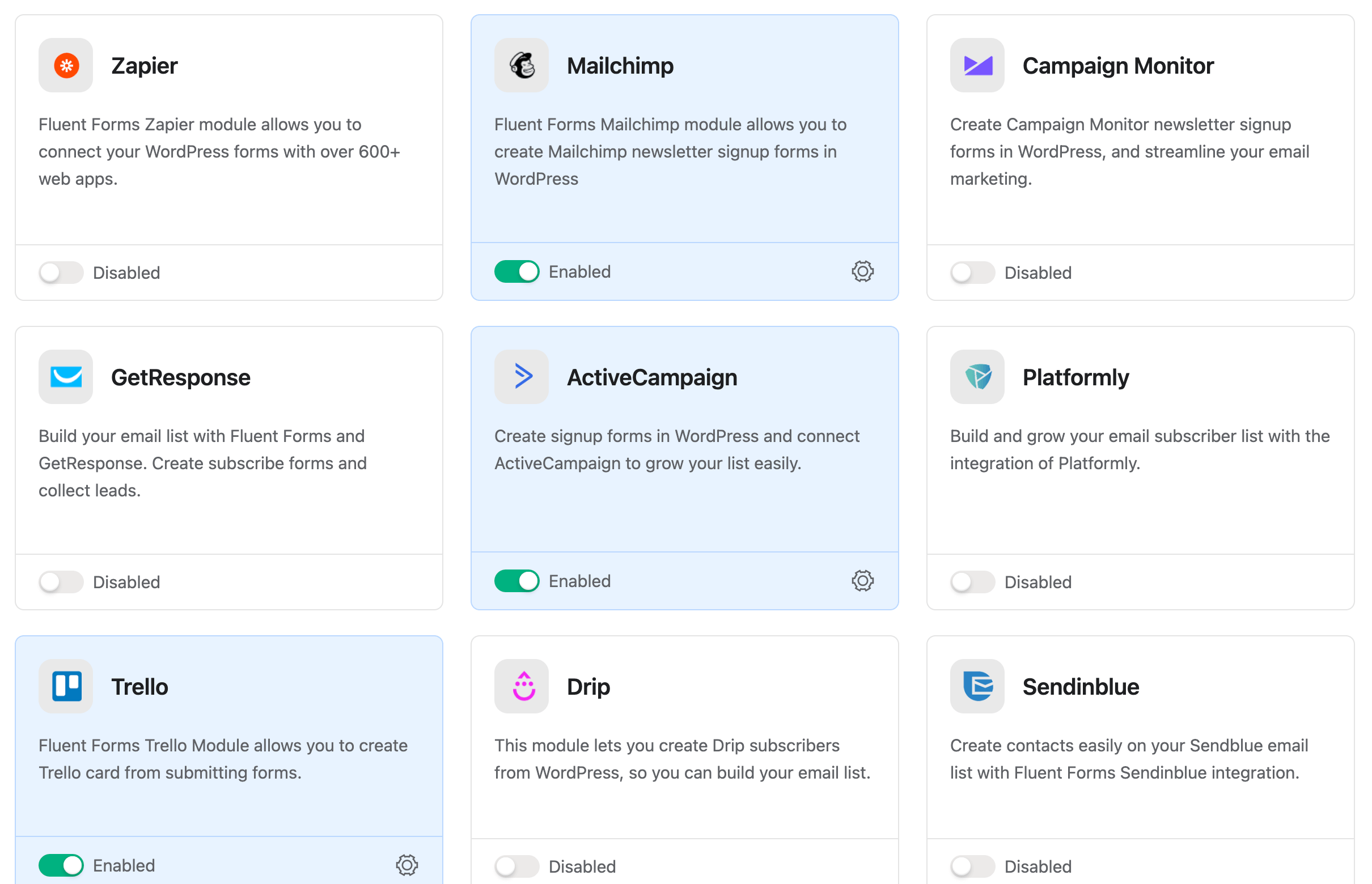
Integrations and Add-ons Available in the Free Version
- FluentCRM
- Fluent Support
- FluentBoards
- FluentSMTP
- Ninja Tables
- FluentBooking
- WP Social Ninja
- Fluent Forms PDF Generator
- MailChimp
- Slack
- Mautic
- Mailpoet
Integrations Available in the Pro Version
- ActiveCampaign
- AffiliateWP
- Airtable
- amoCRM
- Automizy
- Brevo (formerly SendInBlue)
- BuddyBoss
- Campaign Monitor
- ChatGPT
- CleverReach
- ClickSend
- Constant Contact
- Kit, formerly ConvertKit
- Discord
- Drip
- Gist
- GetResponse
- Google Maps
- Google Sheets
- HubSpot
- iContact
- Insightly
- MailerLite
- Mailjet
- Mailster
- Mollie
- MooSend
- Notion
- OnePageCRM
- Paddle
- PayPal
- Paystack
- Pipedrive
- Platformly
- RazorPay
- Salesflare
- Salesforce
- SendFox
- Square
- Stripe
- Telegram
- Trello
- Twilo
- User Registration
- WebHook
- Zapier
- Zoho CRM
- Authorize.net
Check Out the Documentation and the Video Tutorials
Fluent Forms has detailed step-by-step documentation. Some essential documentations are provided below:
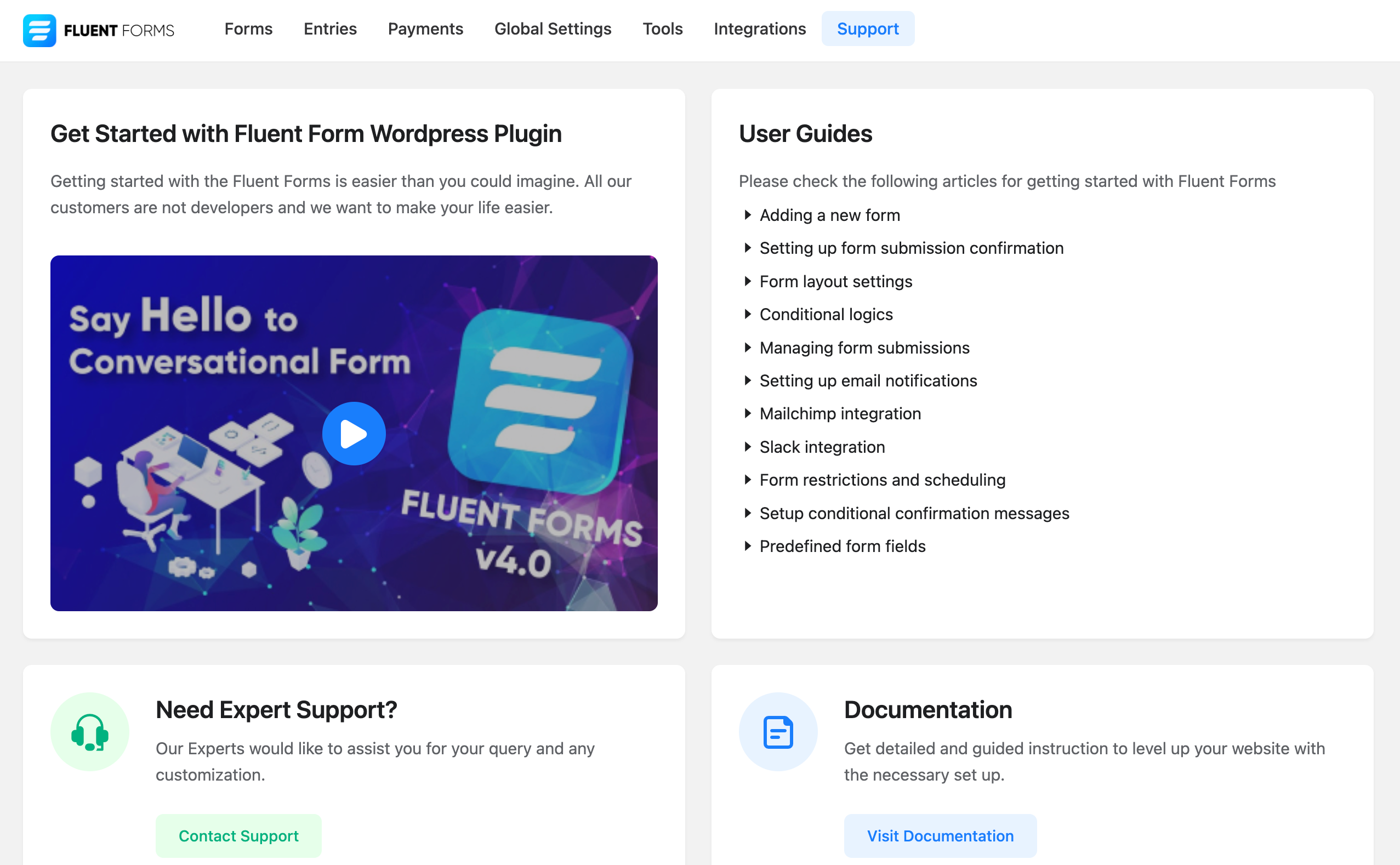
- Getting started with Fluent Forms
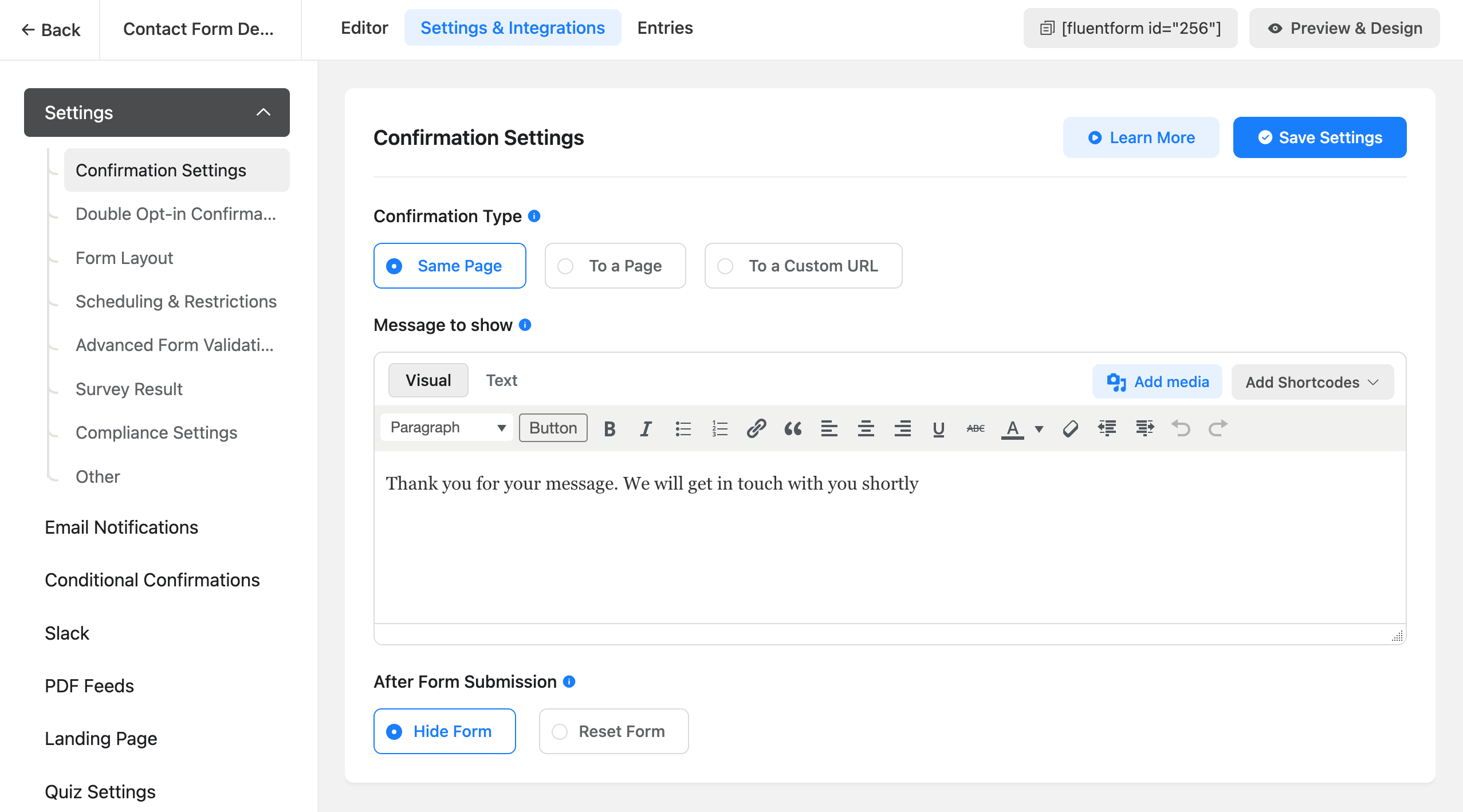
- Set up Form Submission Confirmation Message
- Setting up Email Notifications in Fluent Forms Plugin
- Send Email Notifications on Form Submission
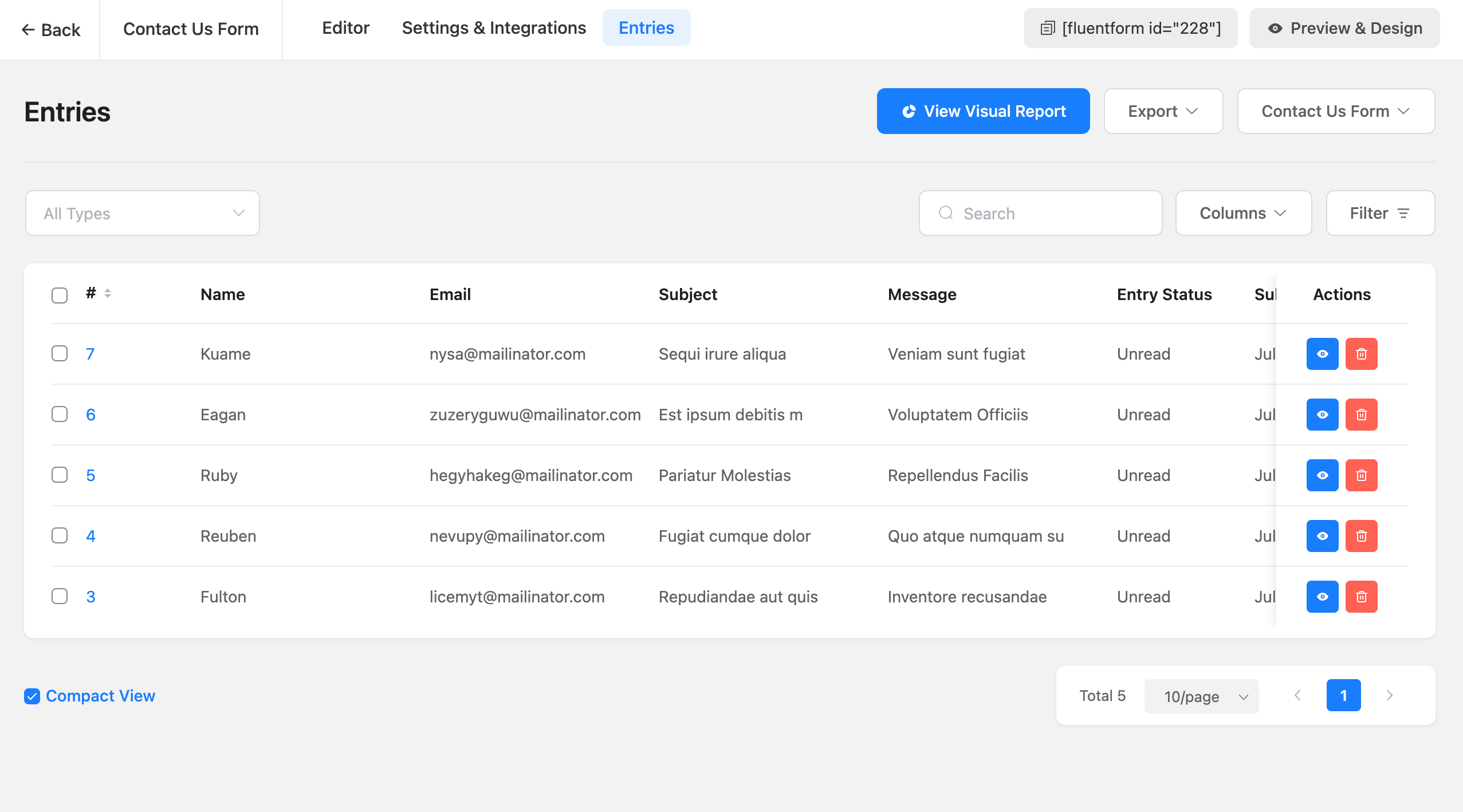
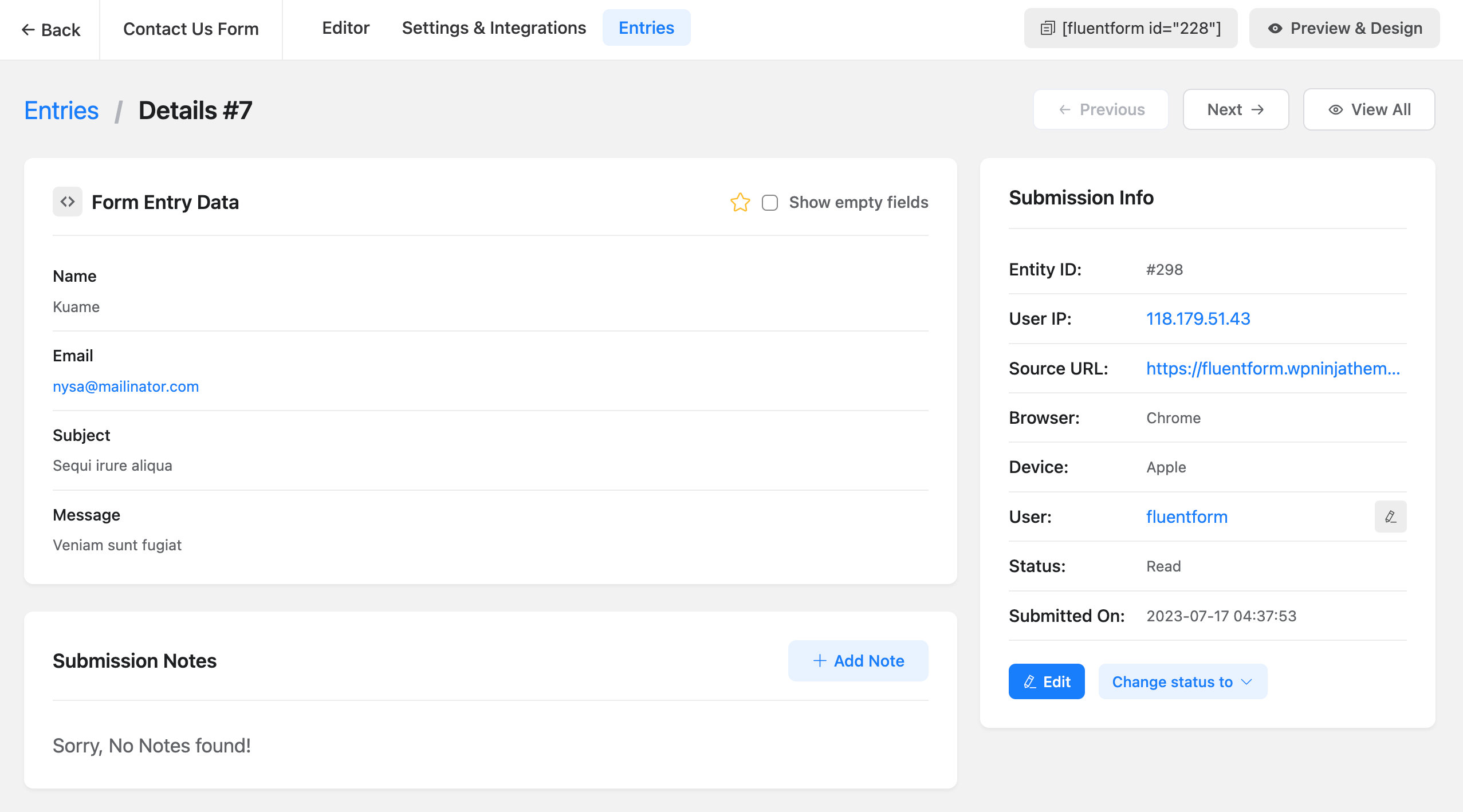
- Managing the Submitted Entries in Fluent Forms
- Available Field Types in WordPress Forms
- Set up Forms with Conditional Logic
- WordPress Form Scheduling and Restriction Feature
- Global Inventory Manager in Fluent Forms
- All Available CRM and Marketing Tools Integration Modules
What Our Users Say About Fluent Forms
Fantastic Form Plugin!
I’ve tried a number of premium (and free) WP form plugins including Forminator Pro (by WPMU Dev) and Piotnet Forms. But I’ve come back to Fluent Forms as my favourite. It’s lightweight and easy to use!
– By @jeremywardkccBest form plugin ever with first class support
This is the lightest form plugin I’ve ever used (except basic CF7 which is not enough for me). Great performances, great UI, great features, and above all, amazing dev/support team!!!
Plugin is improving almost every week and they listen to you 🙂
– By @yankiaraAgency Owner / Web Designer
Fluent forms is a great contact form plugin that allows customization and advanced features and addons such as taking payments. As a web designer / agency owner wpmanageninja is my go to for a lot of my software. Sure the software is great, but it is their support that keeps me coming back. I can count on them to assist me when my back is against the wall.
– By @nickyeager123456Powerful Form Plugin
Fluent Forms is very intuitive and easy to use form plugin. I am not an expert in website creation, and learned how to use it very easily. The documentation available in their official website is very usefull, it helps me a lot when in doubt on how to do something. The Pro is even better, and includes some functionalities that are worth it (if you need them, of course). Good deal with lifetime licence. Thank you.
– By @francksdlExcellent Support
Excellent customer service. I have fluent forms and fluent CRM, both pro versions, and not only do they work great but the support you get is excellent. Can totally recommend
– By @facua1Free Version Has Options Found only in Premium Plugins
This is a fantastic email form. It’s fast (very light weight), easy to use, and the support is great. To boot, the free version also has options usually found only in premium email forms. Don’t waste your time looking for another form. I spent countless hours looking for the “right” form, and this one is it, hands down.
– By @nevrsmer
Follow Fluent Forms Social Media
X/Twitter | Facebook | Youtube | Instagram | LinkedIn | Official Fluent Forms Community
Other Plugins By WPManageNinja Team
- Fluent Forms PDF Generator Add-on
- Email Marketing, Newsletter, Email Automation and CRM Plugin for WordPress by FluentCRM
- Ninja Tables – Best WP DataTables Plugin for WordPress
- Fluent Support – WordPress Helpdesk and Customer Support Ticket Plugin
- FluentSMTP – The Most Advanced SMTP, SES Plugin for WordPress
- Simple Payment Donations & Subscriptions Plugin by Paymattic – Best Payments Plugin for WP
- WP Social Ninja – Best Social Feed, Reviews Plugin for WordPress (Google Reviews, Photo Feeds, Chat & More)
- FluentBooking – The Ultimate WordPress Scheduling Plugin
- FluentBoards – Project Management, Task Management, Goal Tracking, Kanban Board, and, Team Collaboration
- FluentCommunity – Full-fledge Social Network, Community & LMS
- FluentCart: A New Era of eCommerce with WordPress – Faster, Lighter, and Simpler
Ekrānuzņēmumi
Bloki
Šis spraudnis nodrošina 1 bloku.
- Fluentfom Guten Block
Uzstādīšana
This section describes how to install the plugin and get it working.
- Upload the plugin files to the
/wp-content/plugins/fluentformdirectory, or install the plugin through the WordPress plugins screen directly. - Activate the plugin through the \’Plugins\’ screen in WordPress
- Use the
Fluent Forms->Global Settingsscreen to configure the plugin - (Make your instructions match the desired user flow for activating and installing your plugin. Include any steps that might be needed for explanatory purposes)
BUJ
-
Do I need coding skill to use Fluent Forms?
-
No, you don’t need any pre-requisite programming knowledge to build beautiful forms. With Powerful drag and drop features you can build any simple or complex form.
-
Will Fluent Forms slow down my website?
-
Absolutely not. We build Fluent Forms very carefully and maintained WP standards as well as we only load styles / scripts in the pages where you will use the Fluent Forms. Fluent Forms is faster than any form builder plugin. Fluent Forms only load less than 30KB css and js combined.
-
Can I use conditional logics when building a form?
-
Yes, with our powerful conditional logic panel you can build any type of complex forms. You can add one or multiple conditional logics to any field and it will work like a charm.
-
Can I build multi-column forms?
-
Yes, you can use 2 column or 3 column containers and you can build forms.
-
Can I export/Import the form submission data?
-
Yes, you can export your data in CSV, Excel, ODS, JSON format. You can also import in pro version.
-
Can I migrate from WPForms?
-
Yes. You can use Migrator feature of Fluent Forms to migrate from WPForms. To do so, just go to Fluent Forms -> Tools -> Migrator and you will find a section for the WPForms. Click the Import Form button to migrate your forms. To import the entries, click the Import Entries button.
-
Can I migrate from Gravity Forms?
-
Yes. You can use Migrator feature of Fluent Forms to migrate from Gravity Forms. To do so, just go to Fluent Forms -> Tools -> Migrator and you will find a section for Gravity Forms. Click the Import Form button to migrate your forms. To import the entries, click the Import Entries button.
-
Can I migrate from Ninja Forms?
-
Yes. You can use Migrator feature of Fluent Forms to migrate from Ninja Forms. To do so, just go to Fluent Forms -> Tools -> Migrator and you will find a section for Ninja Forms. Click the Import Form button to migrate your forms. To import the entries, click the Import Entries button.
-
I want to report a bug, where to report?
-
The entire source code is available on github. Please feel free to fork and send a pull request or report a bug.
You can get support from our official support thread at wpmanageninja.com/support-tickets
Atsauksmes


Autori un izstrādātāji
“Fluent Forms – Customizable Contact Forms, Survey, Quiz, & Conversational Form Builder” ir atvērtā pirmkoda programmatūra. Šo spraudni ir veidojuši šādi cilvēki.
Līdzdalībnieki


“Fluent Forms – Customizable Contact Forms, Survey, Quiz, & Conversational Form Builder” ir tulkots lokalizācijās 22. Paldies tulkotājiem par ieguldījumu.
Vai jūs interesē attīstība?
Pārlūkojiet kodu, apmeklējiet SVN krātuvi vai abonējiet attīstības žurnālu, ko izveidojis RSS.
Izmaiņu žurnāls
6.2.15 (Date: September 30, 2026)
- Adds a Stripe Payment Element option to the inline Stripe field, with Apple Pay and Google Pay
- Adds an Autocomplete setting on form fields so browsers can fill in details like name, email, and address
- Adds a Duplicate option for integration feeds
- Adds an Export option to the Entries page
- Adds an optional per-form AI Agents (WebMCP) setting that describes your form to AI-powered browsers, turned off by default
- Fixes the fluentform_info shortcode output so it is escaped safely
- Fixes Stripe 3D Secure payments not completing on conversational forms
- Fixes CleanTalk checking the same submission more than once
- Fixes the default report date range missing today’s entries on sites ahead of UTC
- Fixes conversational forms that could not be edited after their fields were updated through MCP
- Hardens input sanitization and permission checks across field settings, blocks, and entries
- Fixes payment forms accepting a zero, negative, or unlisted payment value that could skip payment
- Sends the Payment Success email only for paid orders, free choices, and fully discounted coupon orders
6.2.14 (Date: September 15, 2026)
- Improves Stripe payment confirmation when updates arrive after checkout
- Improves payment retries and checkout confirmation messages
- Improves subscription trial, installment, and custom amount processing
- Improves refund and completed payment consistency
- Refines payment totals for conditional quantities and inventory-controlled items
- Improves notification delivery for valid zero-value orders
- Refines manager search and admin data handling
- Improves form import reliability
- Improves Save & Resume, entry status, and payment receipt handling
- Improves compatibility for advanced Date field configuration
6.2.13 (Date: August 22, 2026)
- Adds minimum and maximum selection limits for checkbox and multi-select fields
- Improves the Other option (checkable inputs) so a preselected value shows its text input on page load
- Improves accessibility of the required Other input with proper validation state
- Fixes the empty Other marker showing in stored entries, email, and PDF output
- Fixes file type validation so extensions are matched case-insensitively on upload and import
- Fixes Global Inventory mappings being lost through Bulk Edit and save
- Fixes target=”_blank” being stripped from Confirmation Message links
- Fixes the captcha notice showing when no captcha type is selected
- Fixes geolocation falling back to the next provider when the ipinfo token fails
6.2.12 (Date: August 10, 2026)
- Adds an optional MCP server that lets AI assistants work with your forms, entries, and reports, turned off by default
- Adds a Spam option to the entry status filter on the entries list
- Adds a notice when global captcha auto load is enabled but the keys are missing
- Improves the Steps progress indicator so you can click it to move between steps, like Tabs
- Improves how cookie smartcode values are handled and displayed
- Fixes a fatal error during Stripe checkout when pushing metadata
- Fixes Keyword-Based Restriction not blocking keywords in other alphabets, such as Cyrillic
- Fixes http:// being added to smartcode URLs in the email editor
- Fixes captcha fields not being added back to the form
- Fixes the bulk action bar showing when no entries are selected
- Fixes pagination alignment on the forms, entries, and payments lists
- Hardens output escaping and authorization across entries, reports, integrations, and payments
- Restricts payment bulk actions to the Manage Payments permission and revenue and payment type reports to the View Payments permission
- Restricts Slack integration requests to Slack hosts
6.2.11 (Date: August 03, 2026)
- Added safeguards for outdated Fluent Forms Pro installations.
6.2.9 (Date: July 28, 2026)
- Hardens output escaping in the ff_get shortcode
- Strengthens payment transaction reference generation for improved privacy
- On block themes, loads public form styles only on pages that contain a form
6.2.8 (Date: July 23, 2026)
- Fixes a stored XSS vulnerability in form submission handling
6.2.7 (Date: July 16, 2026)
- Fixes date field restrictions configurations
- Improves Advanced Date Configuration to support more restriction patterns: comparison operators, combined conditions, month/day/year rules, and fixed calendar dates
- Improve Stripe API keys encryption to prevent being unusable after the site WordPress security salts change
- Hardens the date field’s inline script output against script-context injection
6.2.6 (Date: July 10, 2026)
- Improves the Other option in conversational forms to be keyboard-activatable
- Fixes a manager privilege escalation via a delegated WordPress role
- Fixes a payment permission bypass letting form managers update transactions and cancel subscriptions
- Fixes an oEmbed JSONP path-traversal XSS vulnerability
- Fixes checkbox and radio Other option values not saving the translated label on multilingual sites
- Fixes the Other option requiring a double-click to select in conversational radio and checkbox questions
6.2.5 (Date: June 09, 2026)
- Improved the authorization scope for entry deletion so bulk and single deletes stay within the authorized request
- Adds missing integrations to the addons list and global search
- Fixes a conditional logic for empty fields could evaluate incorrectly restoring the v6.2.2 behavior
- Fixes quiz question scores being lost on save when the settings start empty
- Fixes a fatal error when opening the editor for a deleted form
- Fixes duplicate field keys and broken drag-and-drop reorder in the editor advanced options
- Fixes coupon not clearing when conditional logic hides the coupon field
- Fixes overly long entry export URLs
- Fixes full-URL smartcodes being double-encoded by the shortcode parser
- Fixes submission and payment smartcodes not resolving on email/notification resend
- Fixes scheduler temporary-file cleanup to honor the temp_file_delete_time filter
6.2.4 (Date: May 25, 2026)
- Fixes conversational form pretty URLs rendering
- Fixes Pretty URL toggle not persisting when disabled
- Fixes multi-step form submit visibility and step-skip logic
- Adds a notice when the Fluent Forms REST endpoints are unreachable so the empty form and entry lists after an upgrade are easier to diagnose
6.2.3 (Date: May 21, 2026)
- Adds option group support for Dropdown and Multi-select fields
- Adds pinned column support in the entries table
- Adds new icon presets, SVG icon support, and active/inactive color options for the Ratings field
- Adds search to the form switcher in entries
- Improves keyboard navigation in the entries table
- Improves accessibility for fixed columns and action buttons in entries
- Fixes conditional logic settings not showing for custom fields in the editor
- Fixes conditional logic not-equal check when the target field has no value
- Fixes Name field layout when a sub-field has no label
- Fixes text and list formatting differences between the editor and preview
- Fixes AI form builder losing field hints for non-English prompts
- Fixes missing submission date in Excel exports
- Fixes garbled export filenames for forms with non-Latin titles
- Fixes form import breaking confirmation and notification settings
- Fixes the Find feature missing forms inside page builder popups
- Fixes entries not sorting by actual submission date
- Fixes form import corrupting custom CSS and JavaScript code
- Fixes visual artifacts in the collapsed form settings sidebar
- Fixes Global Settings sidebar collapse toggle not working on desktop
- Fixes the Excel export option incorrectly labeled as xlsv
- Fixes entry Next and Previous navigation breaking on sites that use a custom database table prefix
- Fixes fatal error when a Textarea field receives an array value during submission processing
- Fixes multi-word Google Fonts not loading in conversational forms
- Fixes textdomain_just_in_time notice on WordPress 6.7 and later, including WP Staging staging environments
- Fixes several strings that could not be translated on non-English admin sites
- Fixes the Entries page label showing garbled text on German-language sites
- Fixes confirmation redirect URL losing query-string values with encoded characters
6.2.2 (Date: April 23, 2026)
- Adds subscription field support in payment calculations
- Fix raw cookie values for smartcodes
- Hardens email attachment path resolution to keep notification attachments inside allowed paths
- Hardens predefined form payload handling and confirmation validation
- Improves compatibility for legacy predefined field option validation
- Improves form-scoped access for submission collection and print endpoints
- Tightens allowed-forms scope handling for form managers
- Ensures form settings are normalized before use
- Fix integration activecampaign issue
- Preserves post feed draft values on resume
- Respects user locale in the form editor
- Improves ACL permission checks and helper coverage for delegated and full-access flows
- Hardens form HTML sanitization by blocking event handlers and escaping permission message shortcode output
- Improve global integration settings access restriction and protects payment filters AJAX metadata endpoint
- Sanitizes form step settings while preserving safe HTML in step button text
- Improves entry export to honor submission info selection
- Improves multisite site setup until initialization
- Improves long entry content previews
6.2.1 (Date: April 15, 2026)
- Hardens form-scoped permissions across legacy AJAX and REST actions
- Adds opt-in legacy HMAC fallback for pre-6.2.0 encrypted tokens to ease upgrade compatibility
- Adds filter hooks for honeypot, Akismet, and CAPTCHA spam/failed messages
- Adds database indexes to the form_analytics table for faster reporting queries
- Adds mbstring fallback for server without the extension
- Improves frontend submission reliability by falling back to the form instance AJAX URL when global vars are missing
- Fixes public PDF download support for legacy links
- Fixes draft submissions table support in entry export
- Fixes entries search ACL issue
- Fixes All Entries page localStorage persistence
- Fixes character-limit validation showing the configured message instead of a raw field name
- Fixes numeric validation so numeric-looking text is no longer treated as a number
- Fixes WPML addon activation failing with an Invalid plugin error
6.2.0 (Date: April 01, 2026)
- Upgrades internal framework for better performance and PHP 8.4 support
- Improves Stripe payment confirmation security
- Improves data export security
- Improves database query performance for reports
- Adds filter hook for conversational form extra inputs
- Fixes textarea line breaks not displaying correctly in entries
- Improves overall plugin security and stability
- Dev: Upgrade Guide for developers
6.1.21 (Date: March 17, 2026)
- Adds subscription end date to auto-calculate bill_times for subscrition payments
- Hardens Stripe SCA payment confirmation endpoints against fraud and DoS
- Fixes spoofable form_id in SCA payment confirmation that could select wrong Stripe API key
- Adds transaction status validation (intended state) to prevent unauthorized payment confirmations
- Adds payment amount verification after Stripe confirms payment
- Fixes missing capability check on MailChimp interest groups endpoint
- Fixes unsanitized sort_by parameter in Logger and Submission queries
6.1.20 (Date: March 04, 2026)
- Fixes Stripe coupon discount rounding losing cents on multi-quantity line items
- Fixes step form save and resume
6.1.19 (Date: February 25, 2026)
- Adds backward-compatibility for deprecated classes
6.1.18 (Date: February 25, 2026)
- Improves file delete endpoint security
- Adds input sanitization to all report data endpoints
- Adds sanitization to payment receipt shortcode request parameters
- Fixes SQL LIKE wildcard injection in field uniqueness validation
- Fixes mixed SQL escaping patterns in post type queries
6.1.17 (Date: February 3, 2026)
- Fix conversational form subscription plan not showing in payment summary when first option is selected
- Fix Custom JS disappearing after reload
- Fix conversational form “Other Option” field not appearing for radio buttons using Button Style
6.1.16 (Date: January 30, 2026)
- Fix input image issue in conversational form
- Fix form entries export issue
6.1.15 (Date: January 29, 2026)
- Adds default form style option which will auto apply to all new forms with form styler(pro) support
- Adds option to apply default style to imported forms
- Adds prefix/suffix options for textarea, URL and password fields
- Adds mobile keyboard type options for number and mask inputs
- Adds verified plugins suggestions page
- Improves AI form builder security
- Improves multiselect accessibility with Choices.js dropdown
- Improves form title generation in form history
- Improves form saving UX
6.1.14 (Date: January 15, 2026)
- Fixes issue with numeric field
- Adds a Form edit button in elementor form widget
6.1.13 (Date: January 14, 2026)
- Adds mobile keyboard type option for numeric and Mask Input fields
- Adds ‘Inherit Theme’ option for Form Style Template in Elementor widget
- Adds more string translation support for WPML
- Improves country names according to the latest ISO 3166-1 alpha-2 list
- Fixes Business Logo upload issue in payment settings
- Fixes Dynamic SmartCode not working for conversational forms
6.1.12 (Date: December 26, 2025)
- Fixes delay with condition and range slider field
- Fixes top performing form report count
- Fixes Button Style “Other Option” input issue with images
- Improves security and sanitization for confirmation messages
6.1.11 (Date: December 4, 2025)
- Fixes issue with saving showing invalid json
- Fixes default behavior of regex in advanced validation
6.1.10 (Date: December 2, 2025)
- Fix global settings save issue
- Support other option in Conversational Form
- Fix form submission delay issue for a large condition set
6.1.8 (Date: November 28, 2025)
- Improves client IP detection
- Improves sanitizations and security
6.1.7 (Date: November 21, 2025)
- Added autosave feature global settings for Form Editor
- Fix button issue with payment shortcode
- Fix date timezone issue with form schedule
6.1.6 (Date: November 12, 2025)
- Fix block css issue
- Fix conversational form shortcode warnings
6.1.5 (Date: November 12, 2025)
- Adds Gutenberg Block Form Style Customization
- Adds Conversational Form Editor shortcode support
- Adds Custom CSS/JS support in form AI creation (beta)
- Adds warning message for Name Attribute changes to prevent entry data loss
- Adds a dropdown in permission manager selection
- Add signature field support in conversational form (For signature addon)
- Updates export library to OpenSpout for better compatibility
- Updates action Scheduler library to latest version
- Improves database query performance with optimized indexes
- Improves accessibility improvements for screen readers
- Improves translations
- Improves Design Preview color handling with block themes
- Improves plugin security and escaping from plugin check suggestions
- Fixes Payment Form submission failures inside Elementor popups
- Fixes Custom style CSS backtick insertion issue
- Fixes country name from “Turkey” to “Türkiye”
- Fixes {user.meta.meta_key} shortcode for non-English languages
- Fixes Advanced Filter UX issue with persistent dialog box
- Fixes textarea line break in entry import/export
- Fixes Entries table showing option values instead of labels for radio/select fields
- Fixes Quantity field default value not working with conditional logic
6.1.4 (Date: September 23, 2025)
– Updates language files
6.1.3 (Date: September 23, 2025)
– Fixes Elementor backend editor not working when Fluent Forms was added
– Fixes the multiple choice field not working in Elementor popup
– Fixes Report Page UI not properly showing in RTL
– Fixes Stripe payment error when global auto-load CAPTCHA is enabled in conversational forms
– Fixes the Conversational Form Phone Field to return numbers in the full International format
– Fixes Custom User Meta Fields not populating
– Fixes the phone field search input style height
– Fixes email notification triggering for empty payment method form
– Fixes the PDF Download link in confirmation message
– Fixes PHP 8 compatibility issues with Excel exports
– Fixes the range slider in conversational forms causing incorrect progress percentage
6.1.2 (Date: August 29, 2025)
– Changes iplocation service for country restriction
– Fixes subscription payment translation issue
6.1.1 (Date: August 27, 2025)
– Adds Report module
– Adds conversational forms scroll to top option
– Adds close button to payment summary items
– Adds keyboard shortcut for delete input field in the editor
– Adds conversational forms terms and condition hide disagree button
– Adds injectable custom Vue component on form editor field view
– Improves Export entries fields by remembering last selected fields
– Improves IP detection
– Improves consistency of settings deletion of captcha
– Fixes form API empty title retrieval issue
– Fixes WPForm Migrator with empty forms
– Fixes radio field customization UI default value selection
– Fixes video playback in Support section
– Fixes CleanTalk/Akismet protection spam submitting forms twice
– Fixes integrations page sidebar menu selection indication on reload
– Fixes conversational forms GDPR checkbox implementation
– Fixes captcha conflict when global and form-specific settings differ
– Fixes hide after submission option setting for conversational forms
– Fixes Terms & Conditions field validation error messages for not Accepted
– Removes un used Reset Form button from conversational forms form settings
– Fixes payment method ‘Test’ Instead ‘Offline’ in payments shortcode
– Fixes multiple address field autocomplete in conversational forms
– Fixes submission on Enter key press with selected radio/checkbox using keyboard
– Fixes entries chart date range filtering
– Fixes database creation errors in WordPress Studio environments
– Fixed trailing comma in keyword restriction that incorrectly blocked all submissions
– Fixes WP Text Editor sanitizer removing links in success messages with search parameters
– Fixes Object Injection Vulnerability unserialize issue when using user profile specific shortcodes
6.1.0. (Date: August 26, 2025)
– Added Fluent Forms Report module
– Added conversational forms scroll to top option
– Added keyboard shortcut for delete input field in the editor
– Improved Export entries fields by remembering last selected fields
– Improved IP detection
– Improved consistency of settings deletion notifications
– Fixed form API empty title retrieval issue
– Fixed WPForm Migrator with empty forms
– Fixed radio field customization UI default value selection
– Fixed video playback in Support section
– Fixed CleanTalk/Akismet protection spam submitting forms twice
– Fixed integrations page sidebar menu selection indication on reload
– Fixed conversational forms GDPR checkbox implementation
– Fixed captcha conflict when global and form-specific settings differ
– Fixed hide after submission option setting for conversational forms
– Fixed Terms & Conditions field validation error messages for not Accepted
– Removed non-functional Reset Form button from conversational forms
– Fixed payment method ‘Test’ Instead ‘Offline’ in payments shortcode
– Fixed multiple address field autocomplete in conversational forms
– Fixed submission on Enter key press with selected radio/checkbox using keyboard
– Fixed entries chart date range filtering
– Fixed database creation errors in WordPress Studio environments
– Fixed trailing comma in keyword restriction that incorrectly blocked all submissions
– Fixed WP Text Editor sanitizer removing links in success messages with search parameters
– Fixed Object Injection Vulnerability unserialize issue when using user profile specific shortcodes
– Close button to payment summary items
6.0.4 (Date: May 29, 2025)
– Fixed the net promoter score field’s zero (0) value in the visual report
– Fixed the multi-select values in the submission including commas
– Fixed tooltip/help message
– Fixed conversational form address field default value meta smart code
– Fixed conversational form section break image layout position
– Fixed email attachment missing for WordPress subdirectory
– Fixed conversational form name and address fields prefilled using URL params
– Fixed keyword-based restriction if IPInfo access key is provided
– Fixed conversational form invisible turnstile autoload
– Fixed email notification/integration sending after payment status change to paid
– Fixed turnstile with WP Rocket compatibility
– Improved honeypot condition check
– Added support for WPML translation with the Multilingual Forms for Fluent Forms with WPML addon
…