
Apraksts
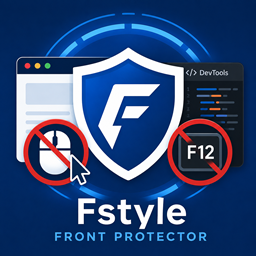
Protect your website content from unauthorized copying and inspection by restricting right-click and developer tools. Our plugin allows you to easily block right-click context menus and developer tools (F12) to protect your valuable content from being easily copied or analyzed.
Features
- Disable Right-Click: Prevents context menu.
- Developer Tools Restriction: Blocks F12 and keyboard shortcuts for developer tools.
- Admin Bypass: Allows administrators to bypass restrictions for easy site management.
Ekrānuzņēmumi

Uzstādīšana
- Upload the ‘fstyle-front-protector’ folder to the ‘/wp-content/plugins/’ directory.
- Activate the plugin through the ‘Plugins’ menu in WordPress.
- Configure your protection settings in the “Front Protector” menu on the left sidebar.
Atsauksmes
Par šo spraudni nav atsauksmju.
Autori un izstrādātāji
“Fstyle Front Protector” ir atvērtā pirmkoda programmatūra. Šo spraudni ir veidojuši šādi cilvēki.
Līdzdalībnieki
Tulkot “Fstyle Front Protector” savā valodā.
Vai jūs interesē attīstība?
Pārlūkojiet kodu, apmeklējiet SVN krātuvi vai abonējiet attīstības žurnālu, ko izveidojis RSS.
Izmaiņu žurnāls
1.1.0
- Renamed to Fstyle Front Protector.
- Improved security via input sanitization and output escaping.
- Updated script handling to follow WordPress best practices (wp_enqueue_scripts).